
The best drawing tablets for 2026
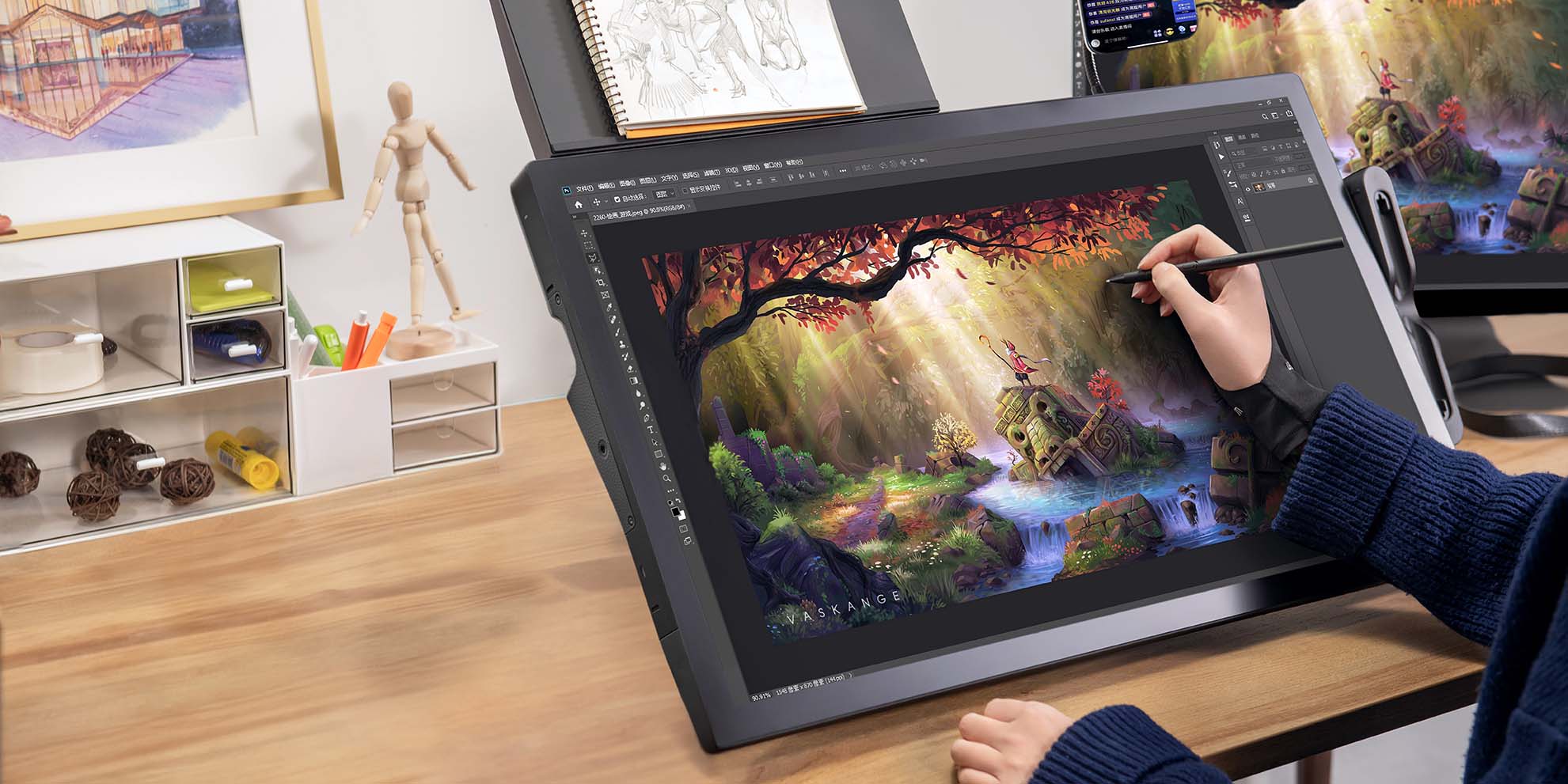
Creative pen tablets and displays – sometimes called "drawing tablets" – are essential tools for creative professionals or hobbyists across industries, from comics to animation to film to photography to graphic design to architecture, and beyond. When you're working at a high level and need ergonomics, precision, and innovative features to level up your creative workflow, a mouse or trackpad just isn't going to cut it.
These are the best drawing tablets for 2026 whether you're a student, beginner, hobbyist, amateur, or professional – no matter what type of creativity you're pursuing!

Why should I get a drawing tablet?
If you want to get serious about your digital art, a mouse, trackpad, or finger just isn't going to cut it. You need the precision and control so your creation conforms to your exact vision.
You need the pressure sensitivity to mimic the fluid controls of traditional art media. You need the ergonomics for long creative sessions. And you need the efficiency digital art makes possible – ExpressKeys, shortcuts, and digital collaboration.

Precision and control: A tablet gives you precise control that a mouse or trackpad simply can't match. With a digital stylus, you can make precise movements, which can be especially useful when working on small details.

Harness PC power: Pen tablets and displays like Wacom Intuos or Wacom Cintiq connect to your PC, meaning you can use its full power. That means you can run multiple full, desktop versions of your creative applications simultaneously – and save everything on your PC so you don't have to send and share projects back and forth.
All-in-one tablets, like Wacom MovinkPad, have an on-board Android OS system.

Pressure sensitivity: Most pen tablets and pen displays, like those made by Wacom, are pressure-sensitive, which means when you press down harder with the stylus, the power or intensity of whatever tool you’re using increases. This gives you much more refined control.
Ergonomics: Using a drawing tablet can be more comfortable and ergonomic than using a mouse or trackpad for extended creative sessions.

Efficiency: Many digital art software applications have specific features and shortcuts that are designed to work with Wacom tablets, allowing you to work more efficiently and quickly than you would be able to with a mouse or trackpad.

Which drawing tablet is right for me?
The best creative pen display or pen tablet will depend on your specific needs, preferences, and workflow. Consider all of these options:
- What you create
- Your budget
- Pen tablet vs. Pen display
- The size of the device’s active area or display
- The level of pen sensitivity and precision
- Keys and shortcut options for added workflow customization
Below, we’ve broken down the best options for you depending on whether you’re a beginner, a pro, or somewhere in between.
The best drawing tablets for beginners, hobbyists, & students
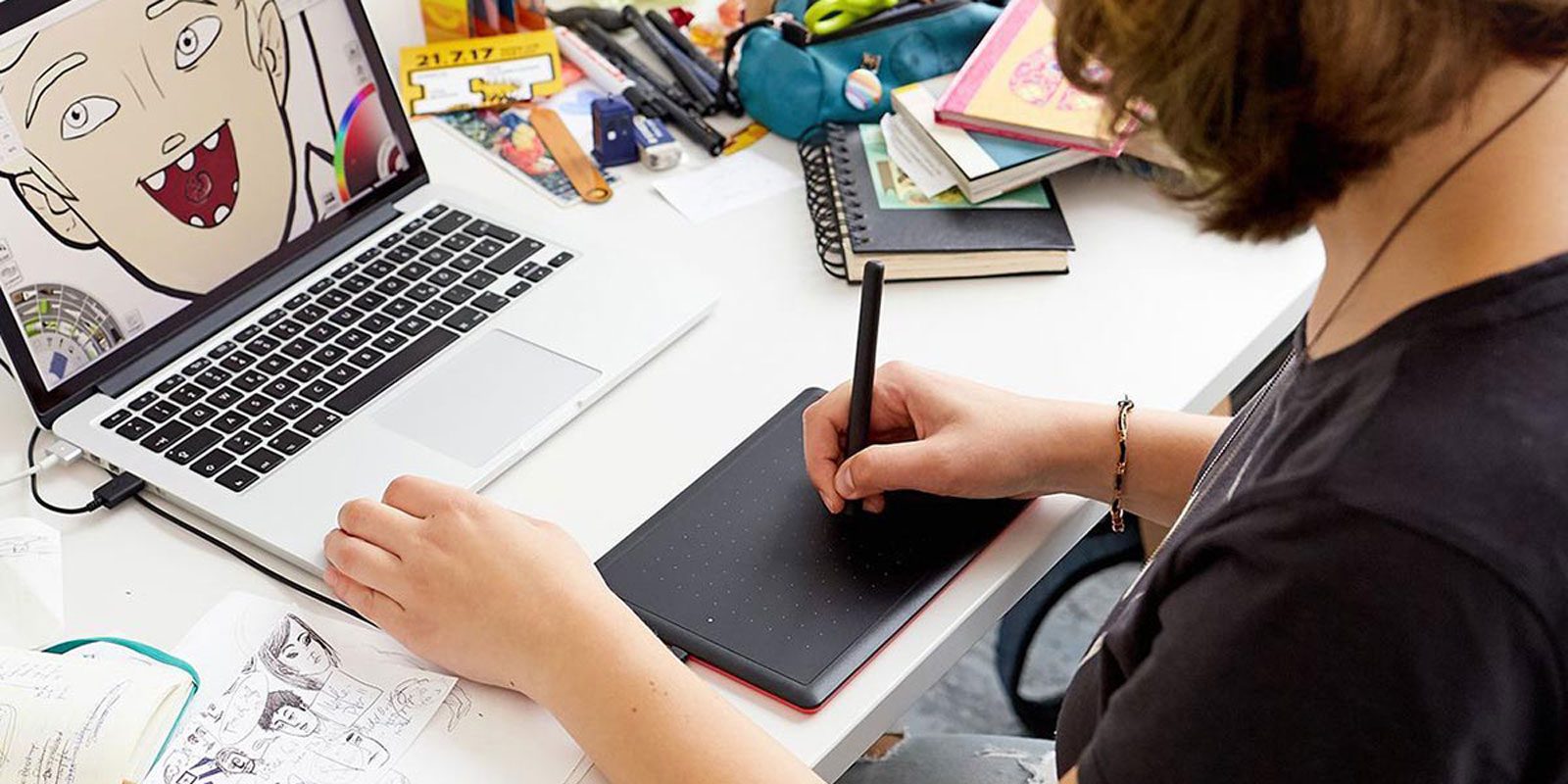
The best drawing tablet for students: One by Wacom
With its simple USB connection, One by Wacom is easy to use. It’s Works with Chromebook™ certified, so you won’t have to download or fiddle with drivers – just plug it in and go.
Available in two convenient sizes, it also works with Mac OS, Windows, and some Android devices, too. The battery-free pen never needs charging, and 2,048 levels of pressure sensitivity are plenty for basic photo editing, digital drawing like comics or fanart, taking notes or marking up documents, or jazzing up classroom presentations. It even comes with a suite of educational software for 21st-century teachers.
The best drawing display for beginners: Wacom One
With a Wacom One pen display, passionate early creatives of all kinds get more than just a first-class creative tool at an affordable price. The redesigned and updated Wacom One pen is precise, powerful, and customizable, and the full HD display is bright and vibrant.
Whether for designing flyers for a garage band’s next show, making social media content pop, or learning the art of digital painting, a Wacom One pen display is the perfect partner to bring creative passions to life. And it comes with free trials to a suite of creative and educational software programs, as well as a trial of Skillshare to extend learning even further.

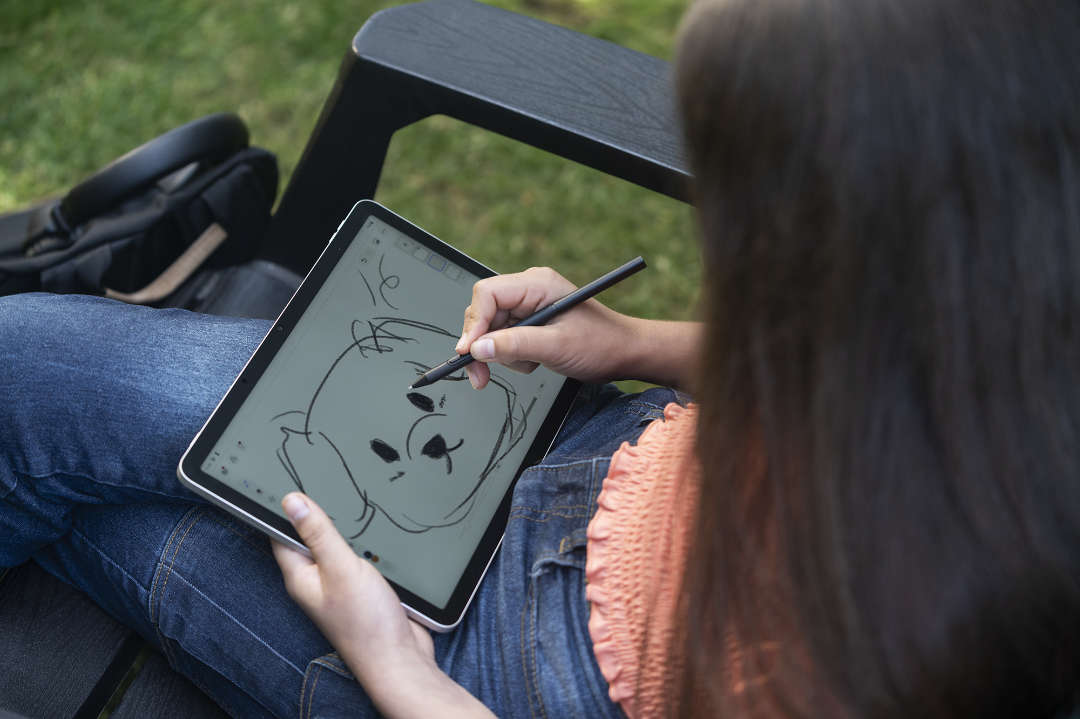
The best all-in-one drawing pad beginners: Wacom MovinkPad
With a Wacom One pen display, passionate early creatives of all kinds get more than just a first-class creative tool at an affordable price. The redesigned and updated Wacom One pen is precise, powerful, and customizable, and the full HD display is bright and vibrant.
Whether for designing flyers for a garage band’s next show, making social media content pop, or learning the art of digital painting, a Wacom One pen display is the perfect partner to bring creative passions to life. And it comes with free trials to a suite of creative and educational software programs, as well as a trial of Skillshare to extend learning even further.
The best drawing tablet for enthusiasts: Wacom Intuos
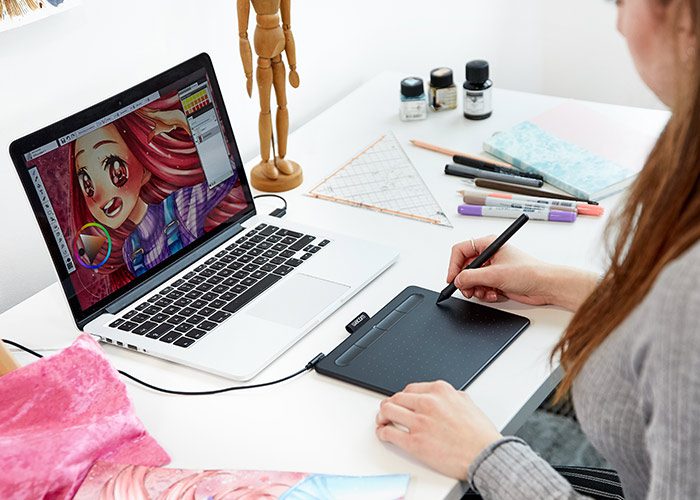
Wacom Intuos is designed for anyone who’s getting a little more serious about digital drawing, designing, or editing. The battery-free pen, with 4,096 levels of pressure sensitivity, is much more precise and comfortable to use than a mouse. It’s lightweight, sturdy, and the built-in ExpressKeys mean it can be totally customized with keyboard shortcuts. Both sizes are super-portable, especially the Bluetooth Wireless versions – and Android compatibility makes it even more convenient on the go.
Available in multiple sizes and colors, as well as wired and Bluetooth versions, there’s a Wacom Intuos for everyone. No matter who they are, Wacom Intuos can help bring their creative passions to life.
The best drawing tablets for art students and enthusiasts
The best drawing tablet for art students: Wacom Movink
Wacom Movink is Wacom's slimmest, lightest pen display ever. From 4-6.6mm thick, weighing less than 1lb, and with an extremely slim bezel, every inch of Wacom Movink’s 13.3″ full HD screen is used to powerful effect.
This level of performance has never been so portable. It's perfect for bringing professional power wherever you go: from your dorm to the coffee shop to class to the studio and back.
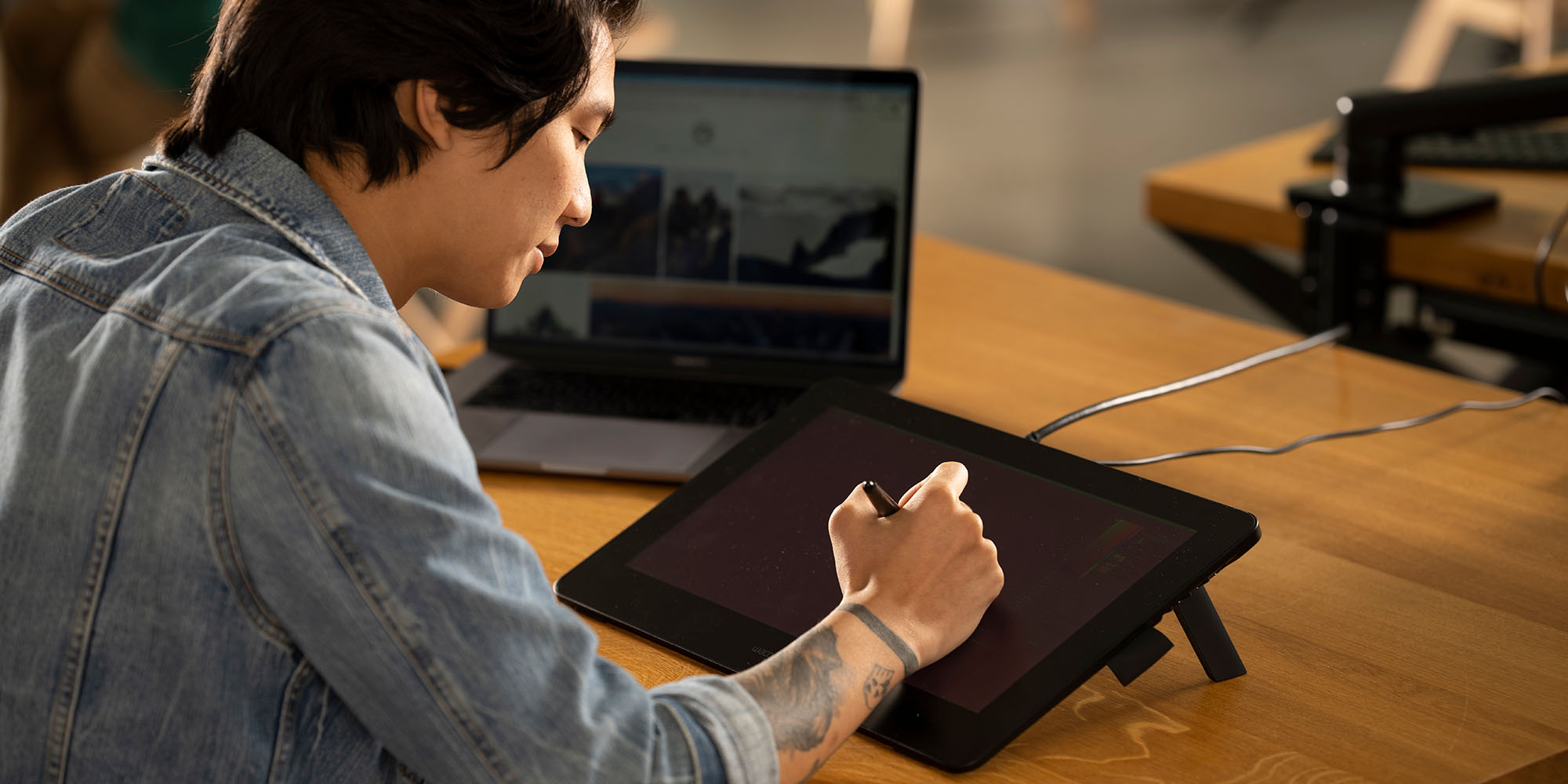
The best drawing tablet for serious amateurs: Wacom Cintiq
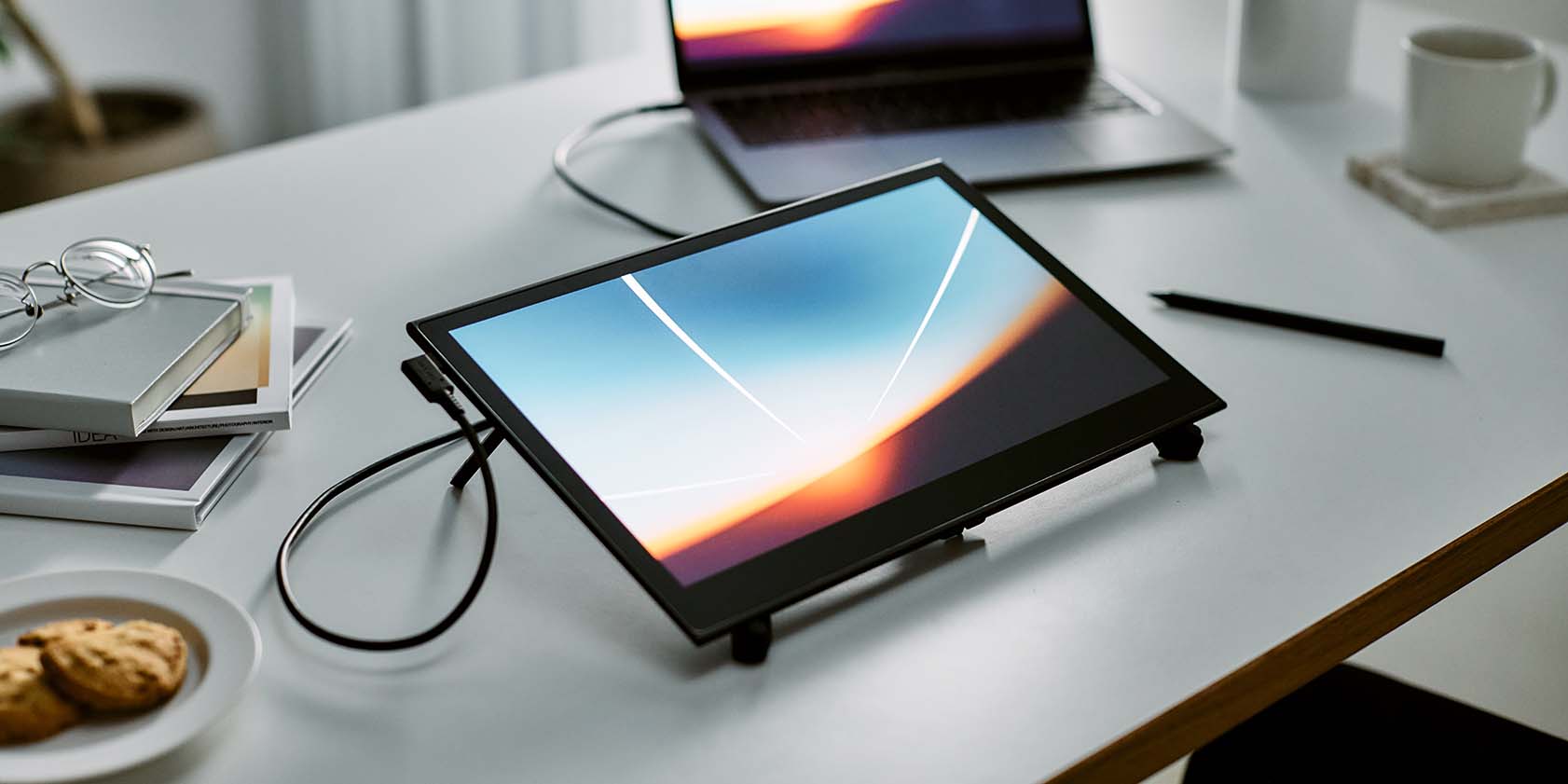
Perfect for serious amateurs and budget-minded professionals alike, Wacom Cintiq was totally redesigned in 2025 and features everything needed to take art and design from the sketchbook to the digital realm: the incredibly precise, comfortable, battery-free Pro Pen 3 and a brilliant, 2.5K resolution display that’s a dream to draw, design, or edit on. Like all Wacom products, it has the build quality and world-class customer support that’s made us the industry leader for 40 years.
It’s ideal for creating fanart or a webcomic, designing emotes for Twitch streams or logos for small businesses, or for professional illustrators, animators, photo editors, or graphic designers.
The best drawing tablets for professional creatives
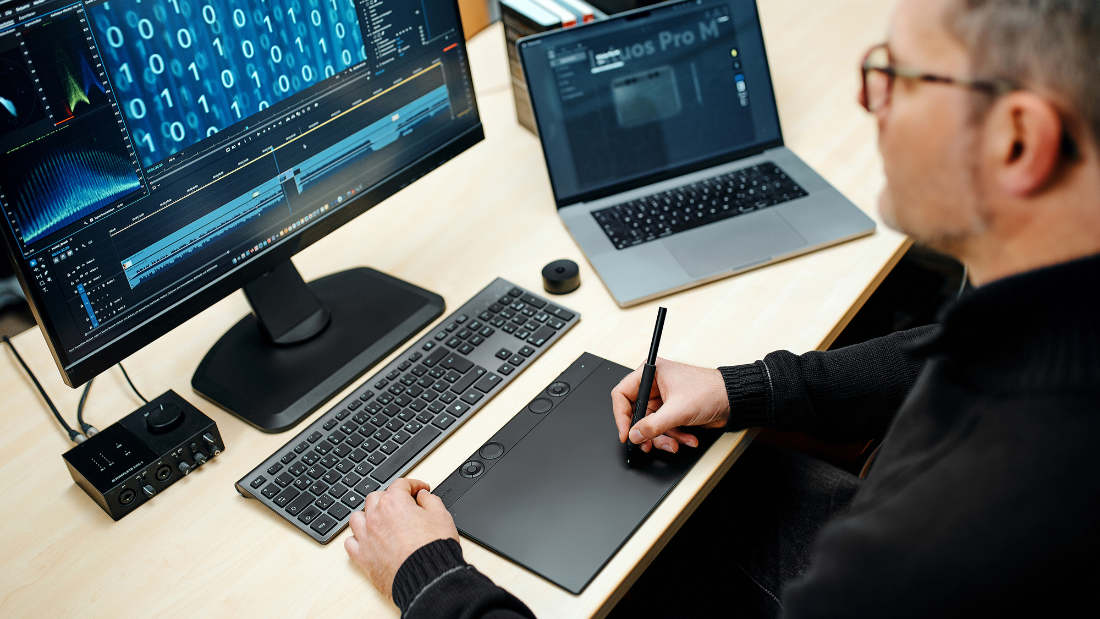
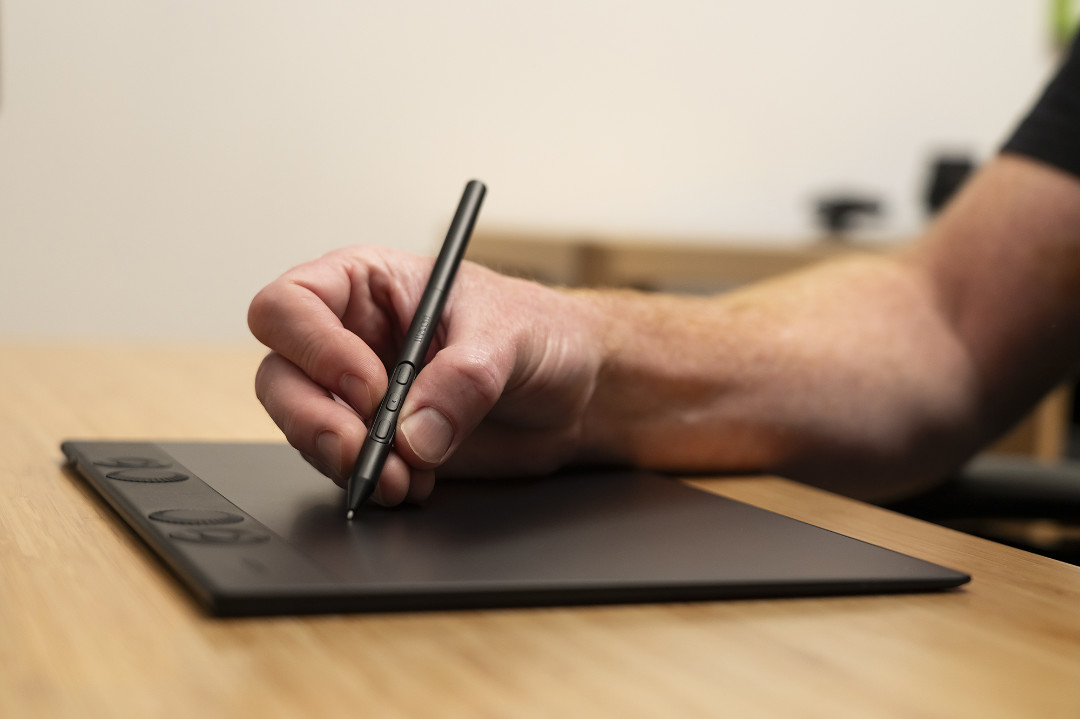
The best flat drawing tablet for professional creatives: Wacom Intuos Pro
Creative workflows are part work and part flow. The new Intuos Pro is designed to help artists accomplish their work as quickly and intuitively as possible so they can immerse themselves in the creative flow.
The ergonomic layout of mechanical dials and ExpressKeys is perfect for right and left-handed users and their tactile, mechanical feel provides unmatched precision. It also works with Pro Pen 3 and features an improved report rate for reduced pen latency, leading to our most sensitive, accurate, and natural pen performance ever.
It’s the right tool for photo editors who need more precision for tracing out masks or layering, 3D artists sculpting new characters or innovative products, and motion designers working in the highest-resolution video workflows.
The best pen display for professional creatives: Wacom Cintiq Pro
Wacom Cintiq Pro is Wacom's most powerful, versatile creative pen display, with industry-leading features and specifications. Pro creatives love drawing, designing, editing, and creating directly on the anti-glare, textured glass screen, which boasts best-in-class color accuracy on a brilliant 4K resolution and 120Hz screen.
Wacom Pro Pen 3 features 8,192 levels of pressure sensitivity, virtually lag-free accuracy, and incredible tilt recognition for precise creative input, with three programmable buttons. Built-in ExpressKeys and dynamic on-screen display options take your workflow customization even further. Wacom Cintiq Pro is the best there is – the ultimate in creative perfection.