

The legend returns!
Barrel rotation is back with Wacom Art Pen 2
Wacom Art Pen 2 combines 360° barrel rotation with 8,192 pressure levels and tilt sensitivity for expressive control. Three programmable buttons, built-in nib storage, and battery free EMR technology deliver precise, uninterrupted performance.
It's as close as you can get to a traditional brush experience while harnessing the power of digital creation.
Compatibility: Wacom Art Pen 2 is currently compatible with Wacom MovinkPad Pro 14, Wacom Cintiq (2025) and Wacom Intuos Pro (2025). Support for additional Pro Pen 3-compatible Wacom devices will be added over time. The latest driver and firmware are required.
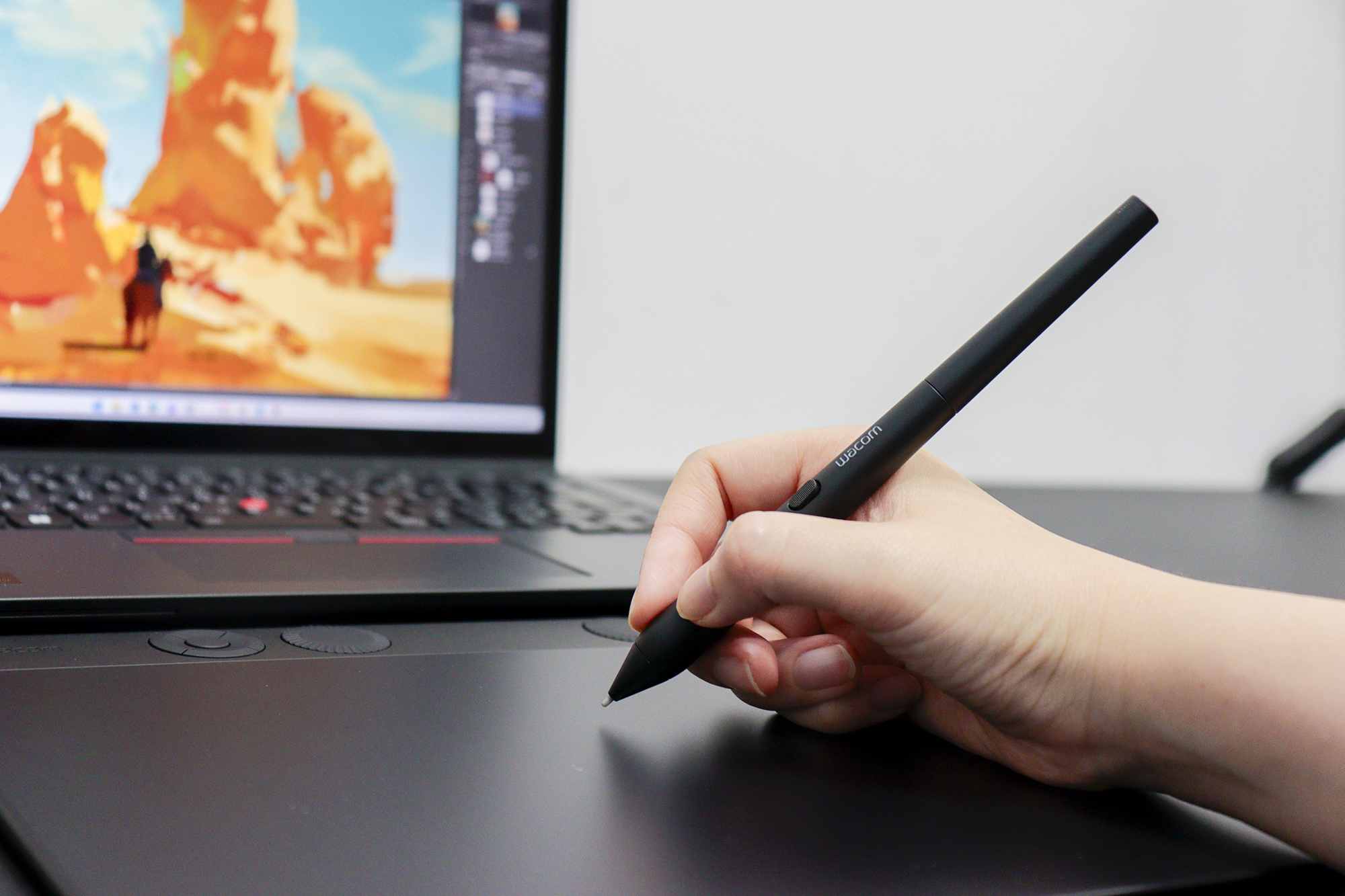
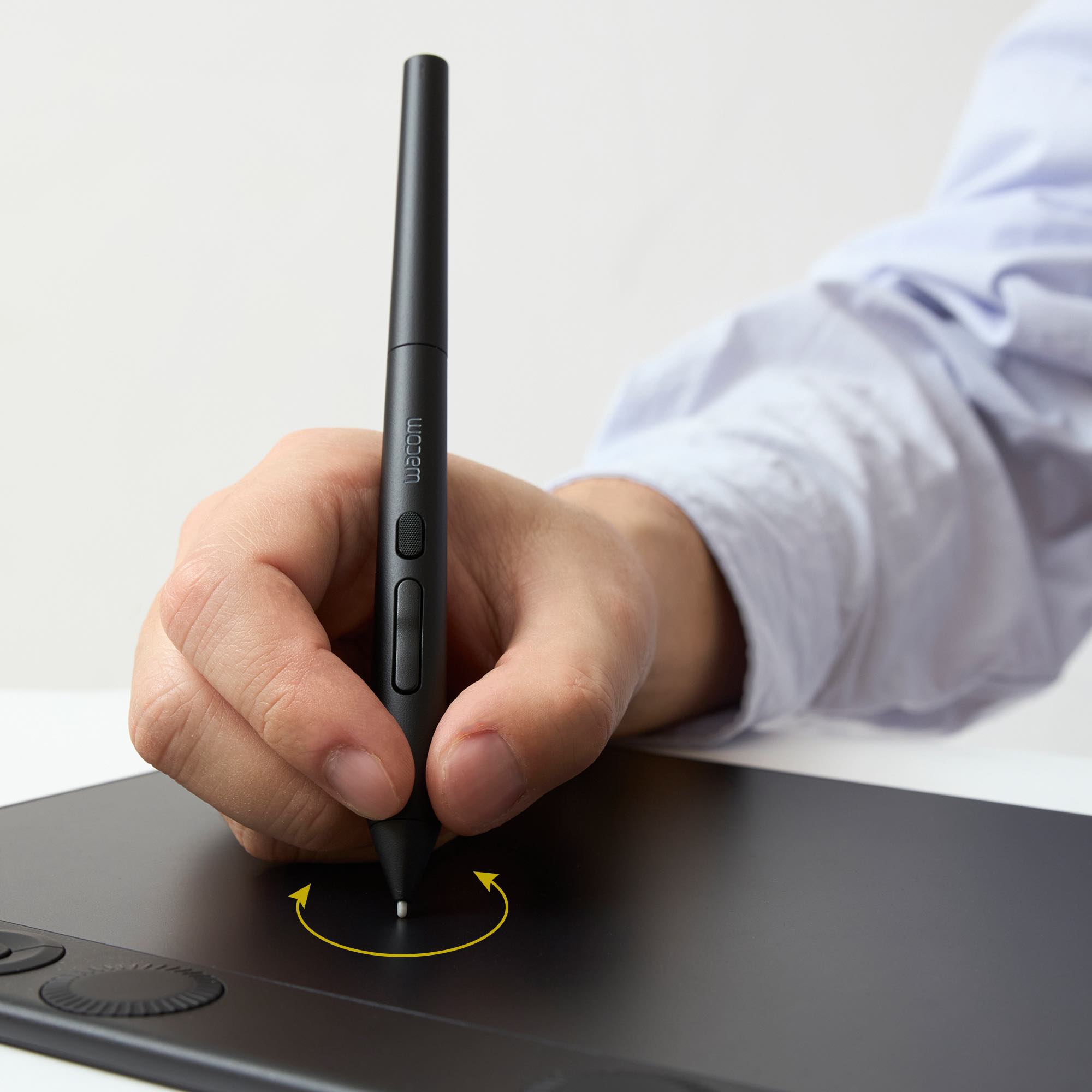
Natural Rotation Control for More Expressive Digital Art
Wacom Art Pen 2 is designed for digital artists who want the expressive control of traditional tools in a modern digital workflow. In addition to best-in-class pressure and tilt sensitivity, the Art Pen 2 features 360° barrel rotation, allowing compatible brushes and tools to respond to how you rotate the pen in your hand.
This makes it possible to change line width, texture, and stroke character naturally, similar to working with a pencil, flat brush, felt marker, or calligraphy pen in the physical world.
Built on Wacom’s latest battery-free EMR technology, Art Pen 2 delivers responsive, reliable performance. Three programmable buttons help reduce interruptions by keeping key functions close at hand, depending on device and software support.
The pen includes nibs specifically created for Wacom Art Pen 2. A built-in nib holder inside the pen barrel stores three spare nibs, making it easy to replace tips without leaving your workspace.
Note: Barrel rotation is supported in many, but not all creative software applications. Also, be aware that Standard Pro Pen 3 nibs are not compatible with Art Pen 2. See the FAQ below for more information.
Wacom Art Pen 2 Key Features
- 360° barrel rotation
- 8,192 levels of pressure sensitivity
- Battery-free EMR technology
- 3 programmable pen buttons
- Thick barrel designed for comfort
- Built-in nib storage


Intuitive Rotation Control: 360° barrel rotation allows supported digital brushes and tools to respond as you rotate the pen, enabling expressive stroke variation similar to traditional pencils, flat brushes, and calligraphy tools
Precise And Responsive Feel: 8,192 pressure levels and tilt support provide smooth control for sketching, shading, and detailed illustration
Battery-Free Wacom EMR Technology: No charging, no batteries, and no cables required, for uninterrupted creative sessions
Comfortable Grip With Smart Storage: Thick, easy-to-hold body with a narrow pen tip improves visibility and control, while three spare nibs are stored inside the pen barrel
Compatibility: Wacom Art Pen 2 is currently compatible with Wacom MovinkPad Pro 14, Wacom Cintiq (2025) and Wacom Intuos Pro (2025). Support for additional Pro Pen 3-compatible Wacom devices will be added over time. The latest driver and firmware are required.

Frequently Asked Questions About Wacom Art Pen 2
Barrel rotation enables the brush cursor to rotate in real time as you rotate your Art Pen 2 – just like the experience of using a paintbrush or chiseled marker in real life. This gives precise, intuitive control of digital brushes, bringing the digital experience ever closer to the traditional art experience.
Both Wacom Pro Pen 3 and Art Pen 2 feature three programmable buttons, 8,192 levels of pressure sensitivity, and battery-free EMR technology for the most intuitive, customizable digital pen experience. The primary difference is that Wacom Pro Pen 3 can be further customized with a variety of grips, button layouts and internal weight balance adjustment, while Wacom Art Pen 2 features barrel rotation capabilities.
Wacom Art Pen 2 is currently compatible with Wacom MovinkPad Pro 14, Wacom Cintiq (2025) and Wacom Intuos Pro (2025). Support for additional Pro Pen 3-compatible Wacom devices will be added over time. The latest driver and firmware are required.
No. Wacom Art Pen 2 requires nibs made specifically for this pen. Compatible options include Art Pen 2 Carbon Shaft, POM, and Felt Nibs. Standard Pro Pen 3 nibs are not compatible, and Art Pen 2 nibs cannot be used with Pro Pen 3.
Art Pen 2 currently works with supported creative applications including Adobe Photoshop 2026, Adobe Illustrator 2026, CLIP STUDIO PAINT v4.1 or later (v4.3 or later on Android), and Krita 5.2.14 or later, as well as other applications that support barrel rotation. More application support will be added over time. Update your tablet driver and firmware for the best performance.