

Blender Fundamentals: The Painterly Path to 3D
This event is over! If you missed it, you can find the course materials and recordings of the sessions below.
For many 2D artists, the leap into 3D can feel like stepping into a labyrinth of technical hurdles and rigid geometry. But what if 3D wasn’t about perfection? What if it was about play, sketches, and the painterly soul of an image?
On Saturday afternoons, from April 25 to May 16, Wacom is thrilled to host Blender Fundamentals: The Painterly Path to 3D, a free workshop series led by artist iris muddy. Designed to bridge the gap between traditional expression and digital modeling, this series invites creators of all levels to rethink their approach to Blender.
Whether you are a seasoned 2D illustrator curious about 3D or a Blender beginner feeling lost in the interface, this series offers a unique, artist-centric perspective. There are no mistakes here, only sketches, experiments, and the magical possibilities of 3D artwork!

iris muddy is a seasoned art director and visual development artist specializing in concept art, color scripting, and the intersection of 2D and 3D workflows.
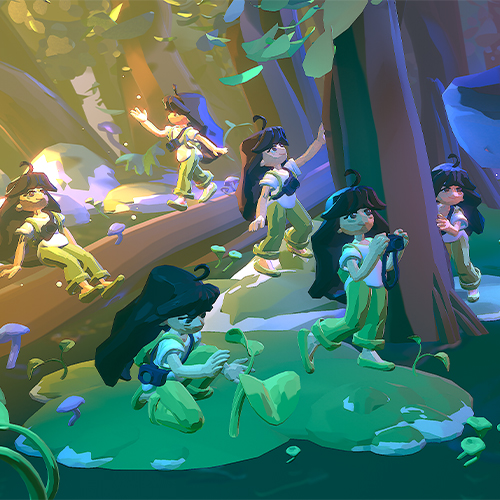
The Painterly Path to 3D
A free, live character Blender workshop series from 3D artist iris muddy, Saturdays from 12-2pm Pacific starting on April 25!
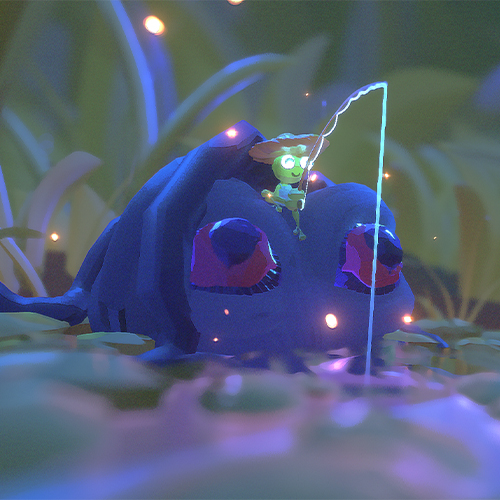
3D art and design resources
Want to extend your learning before, during, and after the workshop? Here are some 3D tips, tricks, and tutorials.

Use the same gear as the pros
Wacom pen displays and pen tablets are trusted by professional 3D artists around the world.
About the workshop series
The core of this workshop isn't just about learning where the buttons are and other technical mechanics of Blender; it’s about a mindset shift.
In this workshop, iris will emphasize staying playful and loose and making the most of simple building blocks. In a world of hyper-realistic renders, this series champions the sketch, encouraging students to embrace imperfection and harness the power of implying detail rather than over-defining it.
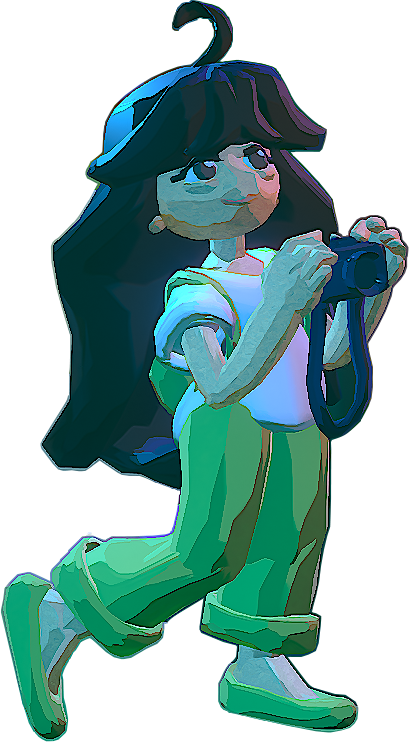
Week 1: Creating Painterly 3D Artwork
For session 1, we began at the foundation. Iris guided participants through the "digital maquette" approach, focusing on simple building blocks.
This session was all about overcoming the initial feeling of being overwhelmed in Blender by treating your 3D workspace like a sketchbook. Participants learned go-to tools and techniques that prioritize expression over technical rigidity.
Week 2: Breathing Life and Personality into Renders
Once the "digital clay" is shaped, how do we make it feel alive? The second week shifted focus to the elements often considered secondary: lighting, cameras, and compositing.
Participants discovered how subtle shifts in atmosphere can transform a basic model into an evocative, personality-driven image.
Week 3: Building a Forest Scene
Putting theory into practice, Week 3 was a comprehensive "ground-up" build. We utilized poly modeling, sculpting, curves, and subdivision to create a lush forest environment.
Drawing inspiration from the creative constraints of low-poly video games, Iris showed attendees how to achieve stunning results using limited basics and simple shapes.
Week 4: Incorporating a Simple Character
In the final session, we brought it all together by integrating a character into a nature scene. This workshop reinforced the entire workflow, demonstrating how thoughtful, simple components result in rich, expressive art.
The goal was to leave you with the "permission to play" and the confidence to continue your journey in Blender!
3D art and design resources
Whether you're just getting started in Blender or have spent hours doing sculpts, you can always extend your learning. Brush up on 3D art before, during, and after the workshop series with a selection of tips, tricks, and tutorials, curated by Wacom below.

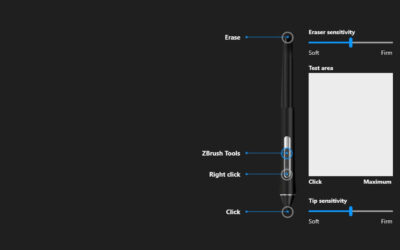

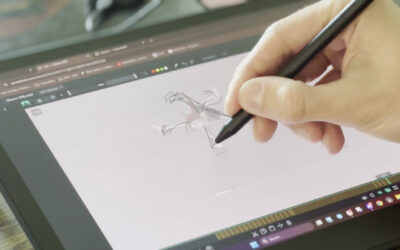

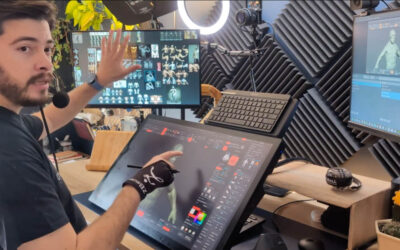
The best Wacom drawing tablets for 3D sculpting
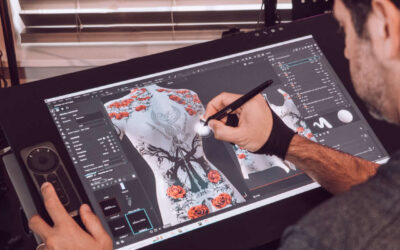
If you're just getting started, a Wacom Intuos drawing tablet is a great choice. A Wacom One 14 can take your creativity to the next level and is an excellent first pen display. If you're getting serious about 3D sculpting or other fforms of digital art, many pros love the precision and flow of Wacom Intuos Pro or the affordable power of Wacom Cintiq.
The best place to buy Wacom products is at the Wacom eStore!