

Welcome to How To Create Incredible Textures Using Adobe Substance 3D, an 8-part series of videos full of tips and tricks for how to use ZBrush, Blender, and Adobe Substance 3D software to take your 3D renders to the next level. The series is hosted by Pablo Muñoz Gómez of ZBrushGuides.com and 3dConceptArtist.com, an expert character designer and 3D workflow educator.
The series covers an entire texturing workflow, including custom ID maps, using height maps, working with custom materials, creating complex-looking materials with simple layers, creating stylized textures for callouts and illustrations, and the best way to export and render your final product.
Over eight videos and blog posts, Pablo went in-depth into how to use Adobe Substance 3D software in combination with Blender and ZBrush. In this post, we've gathered links to all of those blog posts so the entire series is here in once place.
Here's what this series covered:
- Part 1: Intro and Project Overview
- Part 2: Creating custom ID maps
- Part 3: Additional panels with height information and the path tool
- Part 4: Working with translucent materials
- Part 5: A simple setup for custom materials
- Part 6: Achieving complexity with simple layers
- Part 7: Stylized textures in Substance 3D Painter
- Part 8: Exploring textures and rendering in Blender
About the host
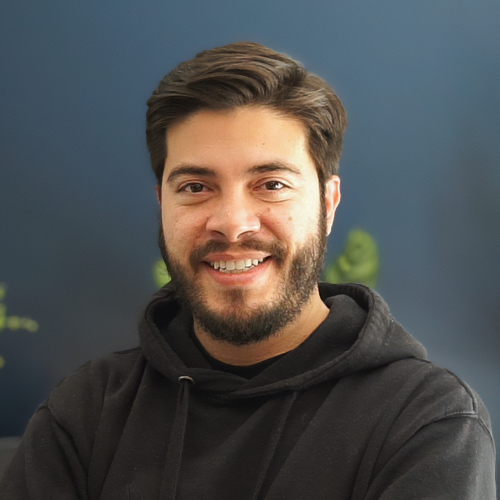
Pablo Muñoz Gómez is a concept and character artist based in Melbourne, Australia. He runs ZBrushGuides.com and teaches online at 3DConceptArtist.com. A long-time Wacom user, 3D sculptor, and creative educator, he's the perfect person to give in-depth insight into the best workflows with ZBrush, Blender, and all of the latest tools in Adobe Substance 3D as well!
To follow Pablo's work or to learn more, check out his Artstation, YouTube, Facebook, X (Twitter), Instagram, or Twitch, or visit ZBrushGuides.com, 3DConceptArtist.com, or his Discord channel.