

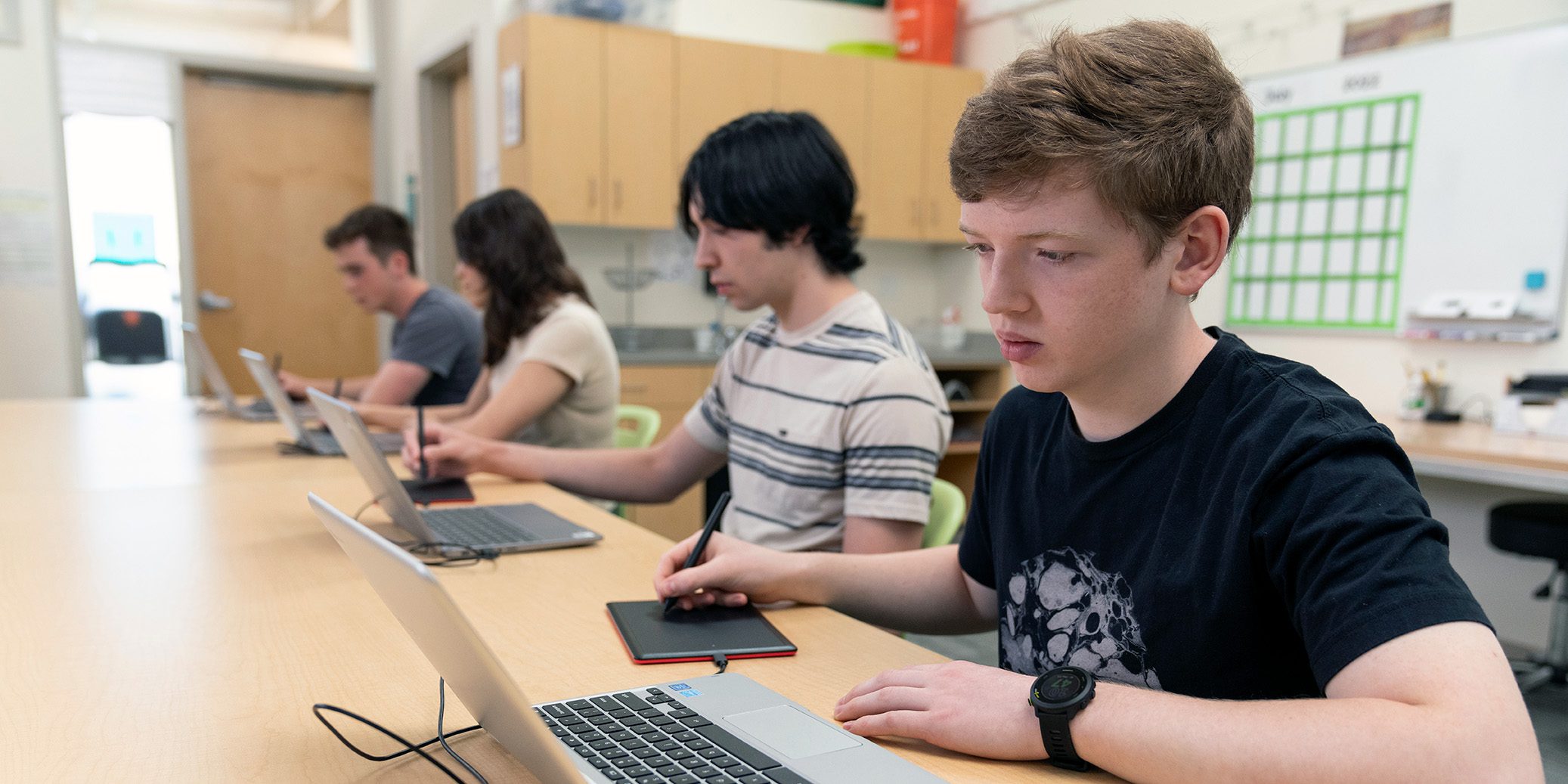
What happens when you put professional-grade digital art tools into the hands of 4th graders? According to one Washington elementary art teacher, the result is magic.
“This is the best day ever!”
– Student reaction to using One by Wacom tablet
At a K-4 elementary school serving about 800 students, the art teacher knew it was time to introduce something new: digital art. While students had a strong foundation in traditional media – paint, pencil, and pastels – most had never had the chance to explore digital tools unless they had access at home.
But all that changed when Wacom tablets arrived.
Why Digital Art?
The motivation was clear: students are surrounded by digital creativity every day—in animation, video games, and social media. Yet, they had no access to those tools in their art education.
“I didn’t want students to think that only fine art counts as ‘real’ art ... using Wacom tablets allows them to experience an entirely new form of creative expression.”
– 4th grade art teacher reflection
With co-teaching support, training, and the right tools in hand, the educator felt ready to bring digital creation into the classroom, and to meet the needs of all learners along the way.
Getting Started: Learning Alongside the Students
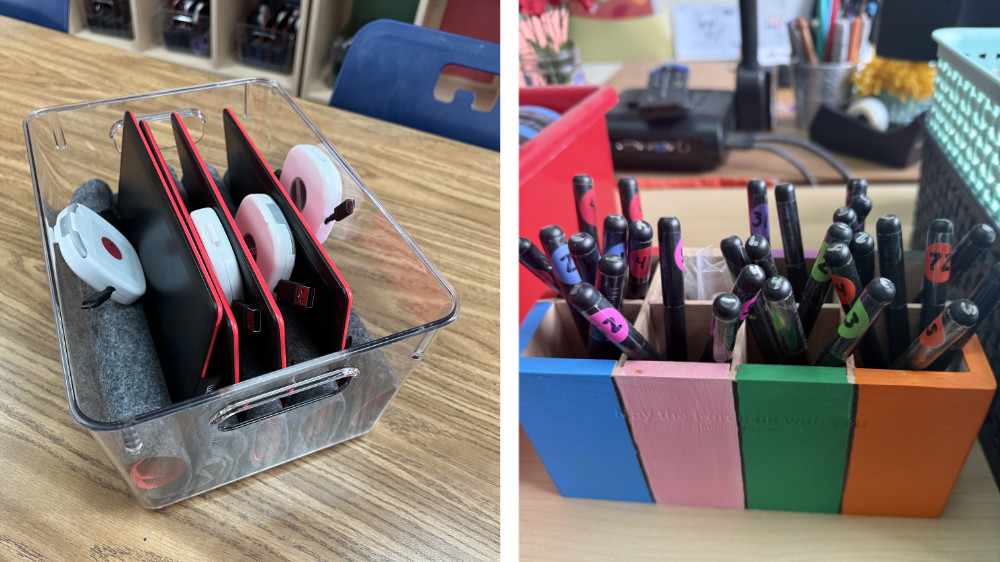
Before introducing the tablets to students, the teacher took time to get familiar with the tools. They even swapped their regular computer mouse with a Wacom pen tablet for everyday tasks, building muscle memory and comfort through hands-on practice. When the tablets were rolled out in class, students were instantly intrigued.
“Whoa, what is that?”
“Can we really use these?”
“I saw one of those at Best Buy!”– Student reactions to One by Wacom tablets
A New Medium, A New Mindset
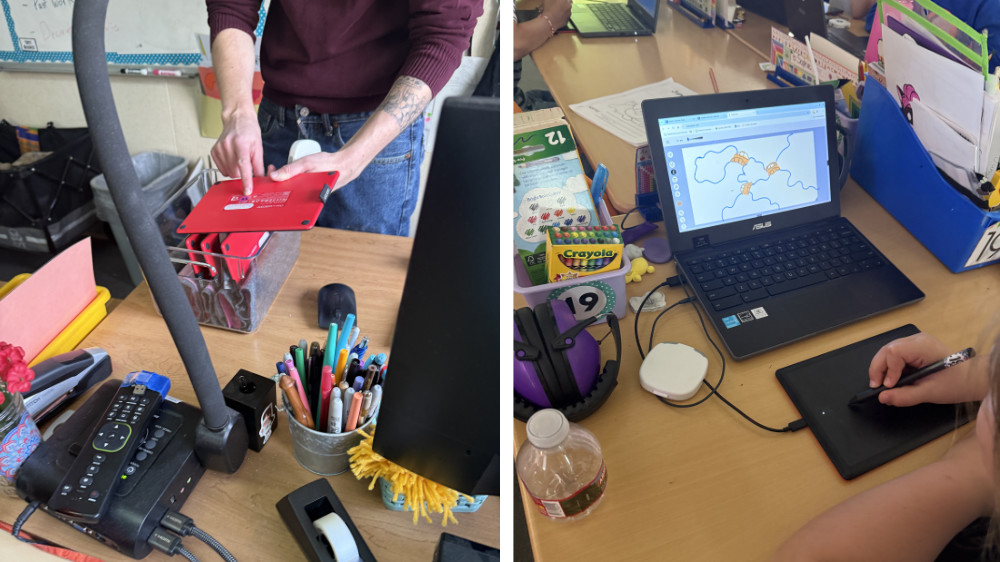
Students started with free exploration, using the web-based tool Sumo Paint. They practiced digital brush strokes, learned how to save and share files through Google Classroom, and recreated mentor artist studies using layers and transparency – skills not easily achieved with paper.
The result? Curiosity turned into confidence. Even students who were nervous at first became more open to trying new things.
“You don’t need to press the pen down hard ... it just works!”
“I didn’t know art could be like this!”
“There were hundreds of ideas in my head!”– Student reactions to using One by Wacom tablets
Reaching Every Learner
The Wacom tablets helped support all types of learners:
- Tactile learners loved the natural pen feel.
- Visual learners explored blending, color theory, and layout with ease.
- Perfectionists embraced mistakes, thanks to the undo/redo function.
Even students with sensory sensitivities or fine motor challenges found the digital tools more comfortable than traditional supplies.
“They help you use your imagination and give you a way to like art.”
– Student reaction to using One by Wacom tablet
Honest Feedback and Real Conversations
Not every student preferred the digital medium, and that was part of the journey.
“It’s not like paper, and I like paper more.”
– Student reaction
These reflections opened up important classroom conversations about artistic preference, experimentation, and the many ways to be an artist.
A Shift in Teaching, Too
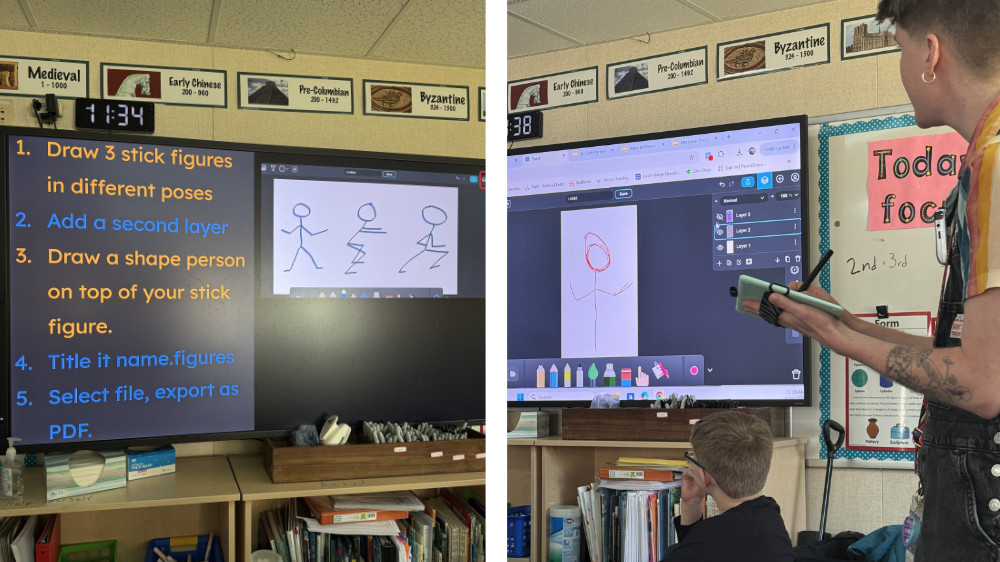
This wasn’t just a win for the students. The teacher also grew, both as an educator and as a learner. Tech confidence improved dramatically, and the classroom evolved into a place where creativity and problem-solving were modeled and celebrated.
“This gave students one more way to show what they know. And it made me a learner again, too ... What surprised me most was just how ready the students were. They were hungry to try it, and they jumped right in.”
– Teacher reflection
What’s Next?
The success of this digital art pilot inspired big ideas for the future:
- Expanding digital art to more grade levels
- Collaborative digital group projects
- Student digital portfolios to track progress over time
- A potential after-school digital art club
Final Thoughts
Introducing Wacom tablets into this elementary art room didn’t just change the way students made art, it changed how they thought about what art could be. From improved digital literacy to newfound excitement, this experience empowered students to explore, imagine, and grow.
And based on their reactions? It was definitely a day to remember.
“They are really fun and the best!”
“I would tell other kids they should try it.”
“You might love it.”– Student reactions to using One by Wacom tablets

Want to bring digital art to your classroom?
Wacom tablets are an accessible, student-friendly way to start. Just bring your curiosity, and let your students bring the creativity. Check out the Wacom for Educators page for more resources, case studies, blog posts, teacher grant opportunities, and contact information to learn more about brining Wacom to your classroom.