3D

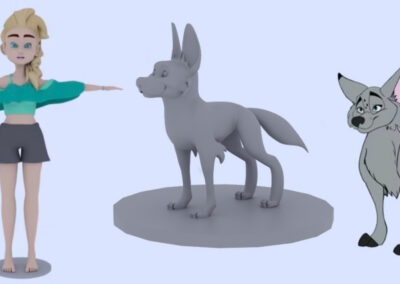
Join us for a FREE Blender 3D sculpting workshop, starting April 25!

Join us for a FREE Blender 3D sculpting workshop, starting April 25!

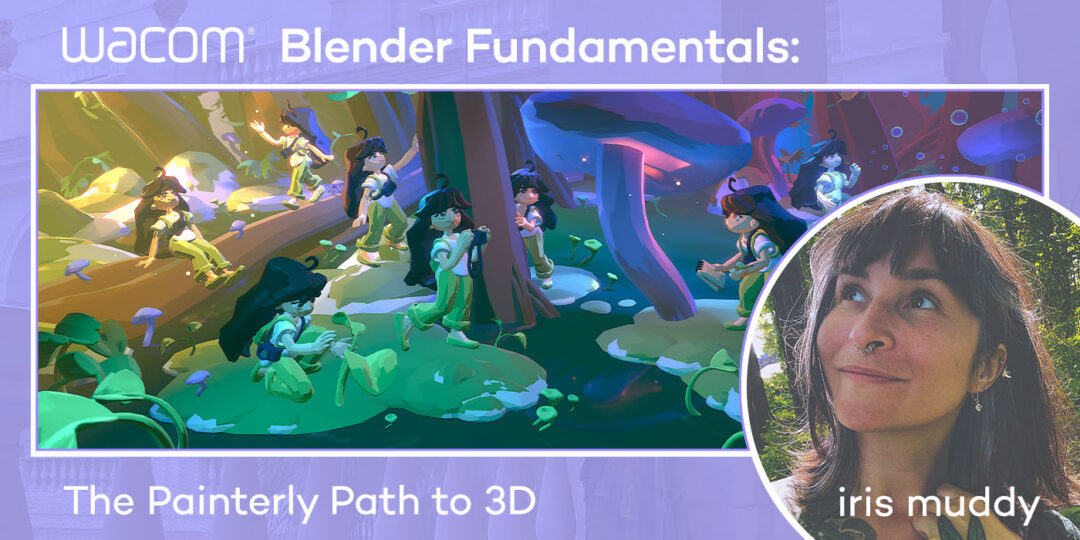
This free workshop series will give you a solid foundation to explore and create in Blender software! Learn to 3D sculpt from a pro.

No results found.
Rachel Marx on her creative journey, art school, and the power of networking

Rachel Marx on her creative journey, art school, and the power of networking

Wacom and Blender forge a strategic partnership to advance pen and touch experiences for 3D creators on all platforms

Wacom and Blender forge a strategic partnership to advance pen and touch experiences for 3D creators on all platforms

Empowering Creativity at 3dsense Media School with Wacom

Empowering Creativity at 3dsense Media School with Wacom

A Conversation with Disney Lighting Artist Pasquale Giardino

A Conversation with Disney Lighting Artist Pasquale Giardino

Blender Basics: An introduction to Blender software with CG Cookie

Blender Basics: An introduction to Blender software with CG Cookie

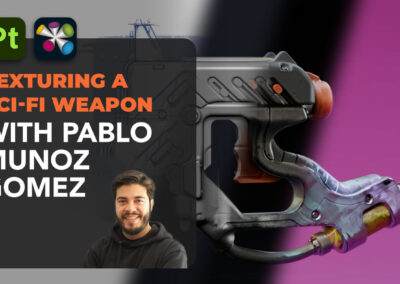
How to create incredible textures using Adobe Substance 3D, with Pablo Muñoz Gómez — An 8-part tutorial series

How to create incredible textures using Adobe Substance 3D, with Pablo Muñoz Gómez — An 8-part tutorial series

How to create incredible textures using Adobe Substance 3D, with Pablo Muñoz Gómez — Part 8: Exporting and rendering

How to create incredible textures using Adobe Substance 3D, with Pablo Muñoz Gómez — Part 8: Exporting and rendering

How to create incredible textures using Adobe Substance 3D, with Pablo Muñoz Gómez — Part 7: How to create stylized textures

How to create incredible textures using Adobe Substance 3D, with Pablo Muñoz Gómez — Part 7: How to create stylized textures

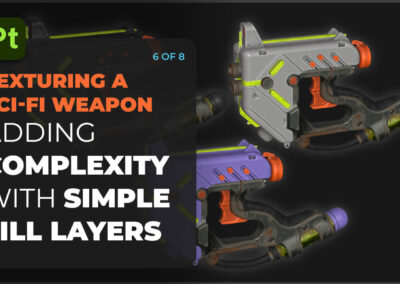
How to create incredible textures using Adobe Substance 3D, with Pablo Muñoz Gómez — Part 6: Complexity With Simple Layers

How to create incredible textures using Adobe Substance 3D, with Pablo Muñoz Gómez — Part 6: Complexity With Simple Layers

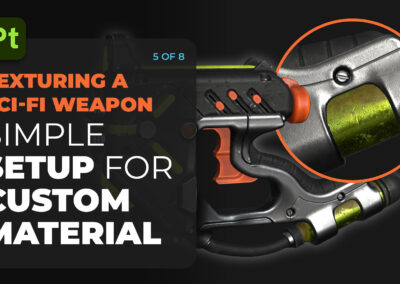
How to create incredible textures using Adobe Substance 3D, with Pablo Muñoz Gómez — Part 5: A simple setup for custom materials

How to create incredible textures using Adobe Substance 3D, with Pablo Muñoz Gómez — Part 5: A simple setup for custom materials

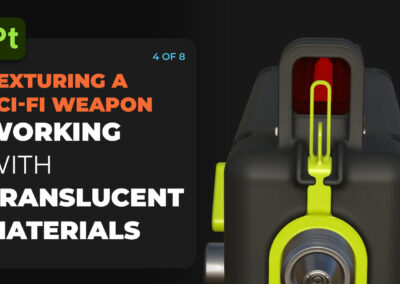
How to create incredible textures using Adobe Substance 3D, with Pablo Muñoz Gómez — Part 4: Creating Glass-Like Materials

How to create incredible textures using Adobe Substance 3D, with Pablo Muñoz Gómez — Part 4: Creating Glass-Like Materials

No results found.
[the_ad id="819655"]

You might like

Alex Ferreira Simões of Animation Flow Reviews the New Wacom Intuos Pro

Alex Ferreira Simões of Animation Flow Reviews the New Wacom Intuos Pro

How to create incredible textures using Adobe Substance 3D, with Pablo Muñoz Gómez — Part 3: Height Maps & The Path Tool

How to create incredible textures using Adobe Substance 3D, with Pablo Muñoz Gómez — Part 3: Height Maps & The Path Tool

How to create incredible textures using Adobe Substance 3D, with Pablo Muñoz Gómez — Part 2: Creating custom ID maps

How to create incredible textures using Adobe Substance 3D, with Pablo Muñoz Gómez — Part 2: Creating custom ID maps

How to Use Maya and the Blender Grease Pencil for ‘Spider-Verse’ Style 3D Animation Workflows

How to Use Maya and the Blender Grease Pencil for ‘Spider-Verse’ Style 3D Animation Workflows

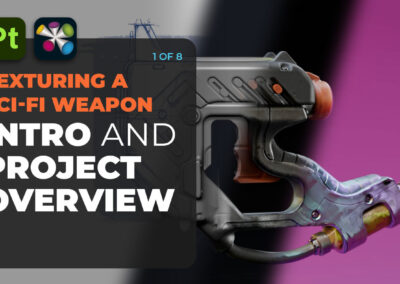
How to create incredible textures using Adobe Substance 3D, with Pablo Muñoz Gómez — Part 1: Intro and Project Overview

How to create incredible textures using Adobe Substance 3D, with Pablo Muñoz Gómez — Part 1: Intro and Project Overview

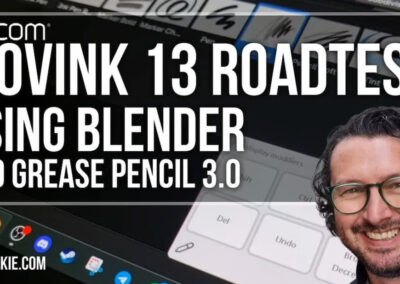
Wacom Movink 13 Review: The Best Portable Pen Display for Blender Artists?

Wacom Movink 13 Review: The Best Portable Pen Display for Blender Artists?

Finding Flow: Ryan Kittleson and the Power of Creative Passion

Finding Flow: Ryan Kittleson and the Power of Creative Passion

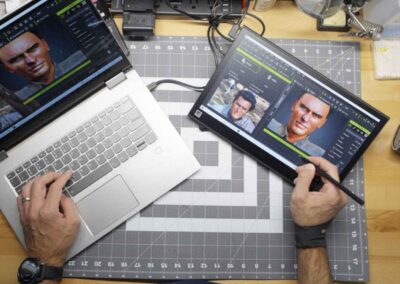
A Studio of One: Nick Shaheen’s Motion Capture and Visual Effects Process With Wacom Movink

A Studio of One: Nick Shaheen’s Motion Capture and Visual Effects Process With Wacom Movink

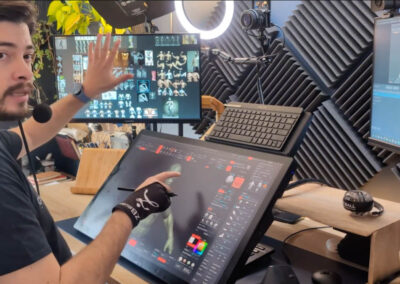
Making the most of your Wacom using 3D software like ZBrush, with Pablo Muñoz Gómez

Making the most of your Wacom using 3D software like ZBrush, with Pablo Muñoz Gómez

Venom Meets The Spider-Verse: Zach Mulligan’s Innovative Animation Experiment 

Venom Meets The Spider-Verse: Zach Mulligan’s Innovative Animation Experiment 

No results found.
[dmpro_masonry_gallery images="816425,819112,816421,814148" columns="2" fix_lazy="on" _builder_version="4.27.4" _module_preset="default" border_color_all_grid_item="RGBA(255,255,255,0)" global_colors_info="{}"][/dmpro_masonry_gallery]

Find the Perfect Wacom Tablet for Your Creativity

Not sure which Wacom tablet is right for you? Our expert guide breaks down the best options for artists, designers, and beginners alike. Whether you are sketching, editing, or illustrating, we will help you find the perfect creative companion. Explore key features, compare models, and choose the best tablet for your workflow. Start creating with confidence and find the right Wacom tablet for your needs today.

Wacom Movink pen display

Wacom's lightest and thinnest pen display ever

Enjoy the freedom of working wherever you feel creatively inspired with Wacom Movink OLED pen display, our lightest and thinnest pen display yet. As thin as 4mm* and weighing just 420g, Wacom Movink pen display is 55% lighter than Wacom One 13 touch and 66% thinner. Connect it to your Mac or PC, and you'll have all the processing power you need for your professional work.

*4mm is measured at the thinnest part.

Buy now >

Follow Wacom on YouTube

Wacom’s YouTube channel is your home for all of Wacom’s video content – tutorials, interviews, process videos, new product releases, product guides, technical support, and more, including recordings of live webinars and events like our annual Connected Ink event.

Check out this enlightening interview with Nobu Ide, Wacom's CEO, at the recent Dokomi 2024 event!

Connect with Wacom on social media

[instagram-feed feed=3]