Abeni Jones


LilyGumdrop has an advantage in Roblox drawing competitions … the Wacom One 14 drawing tablet!

Great deals on Wacom creative tech for Back to School 2026!

Wacom Creativity Camp, our FREE character design workshop, is back on July 15th!

How to set up your Wacom Cintiq for Blender, with Paul Caggegi

Create your world with Wacom – an interview with artist Stephanie Shaw

Wacom Creativity Camp, our FREE character design workshop, starts next week! Don’t miss out – register now!

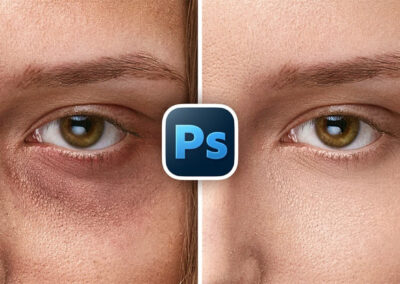
Human-powered Photoshop lessons with PiXimperfect: How to remove eye bags

The Legendary Character Designer Behind Teen Titans Go!, Samurai Jack, and Dexter’s Lab Shares His Art Setup

Celebrating LGBTQ+ Comic Artists This Pride Month: Why Taylor Robin Makes Queer Comics

Why Wacom MovinkPad 11 and Magma are a perfect pair

Celebrating LGBTQ+ Comic Artists This Pride Month: Why Niki Smith Makes Queer Comics

Join us for a FREE character design workshop, starting July 8!
You might like

Celebrating LGBTQ+ Comic Artists This Pride Month: The La Guardia Queerterly, Volume 2

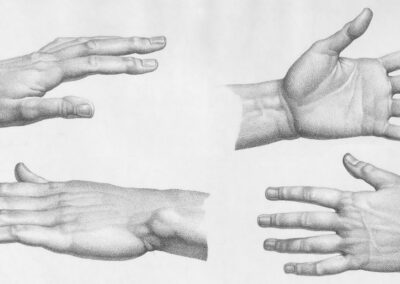
How to draw stylized hands

Celebrating LGBTQ+ Comic Artists This Pride Month: Why Blue Delliquanti Makes Queer Comics

Six LGBTQ+ comics you can read for free online this pride month

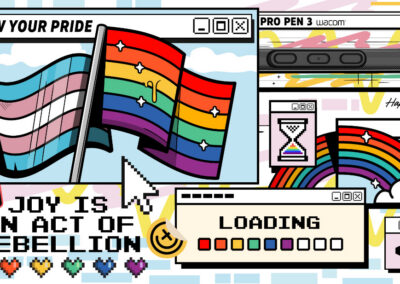
Joy is an act of rebellion: Wacom celebrates Pride 2026!

Portfolio tips from Ellen Su, former head of recruiting at Titmouse

The ultimate beginner’s guide to photo editing in Adobe Photoshop: Lesson 2

Sketchbook Premium + Wacom MovinkPad Pro 14 Free Trial

The ultimate beginner’s guide to photo editing in Adobe Photoshop: Lesson 1

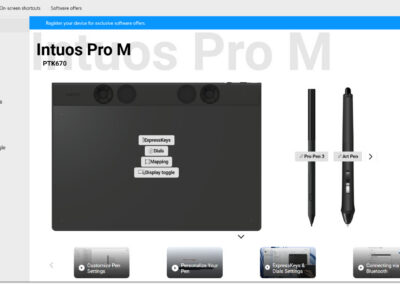
Wacom updates tablet drivers with new features and improved performance

The best free pose reference resources for artists in 2026
Find the Perfect Wacom Tablet for Your Creativity
Not sure which Wacom tablet is right for you? Our expert guide breaks down the best options for artists, designers, and beginners alike. Whether you are sketching, editing, or illustrating, we will help you find the perfect creative companion. Explore key features, compare models, and choose the best tablet for your workflow. Start creating with confidence and find the right Wacom tablet for your needs today.
Wacom Movink pen display
Wacom's lightest and thinnest pen display ever
Enjoy the freedom of working wherever you feel creatively inspired with Wacom Movink OLED pen display, our lightest and thinnest pen display yet. As thin as 4mm* and weighing just 420g, Wacom Movink pen display is 55% lighter than Wacom One 13 touch and 66% thinner. Connect it to your Mac or PC, and you'll have all the processing power you need for your professional work.
*4mm is measured at the thinnest part.
Follow Wacom on YouTube
Wacom’s YouTube channel is your home for all of Wacom’s video content – tutorials, interviews, process videos, new product releases, product guides, technical support, and more, including recordings of live webinars and events like our annual Connected Ink event.
Check out this enlightening interview with Nobu Ide, Wacom's CEO, at the recent Dokomi 2024 event!