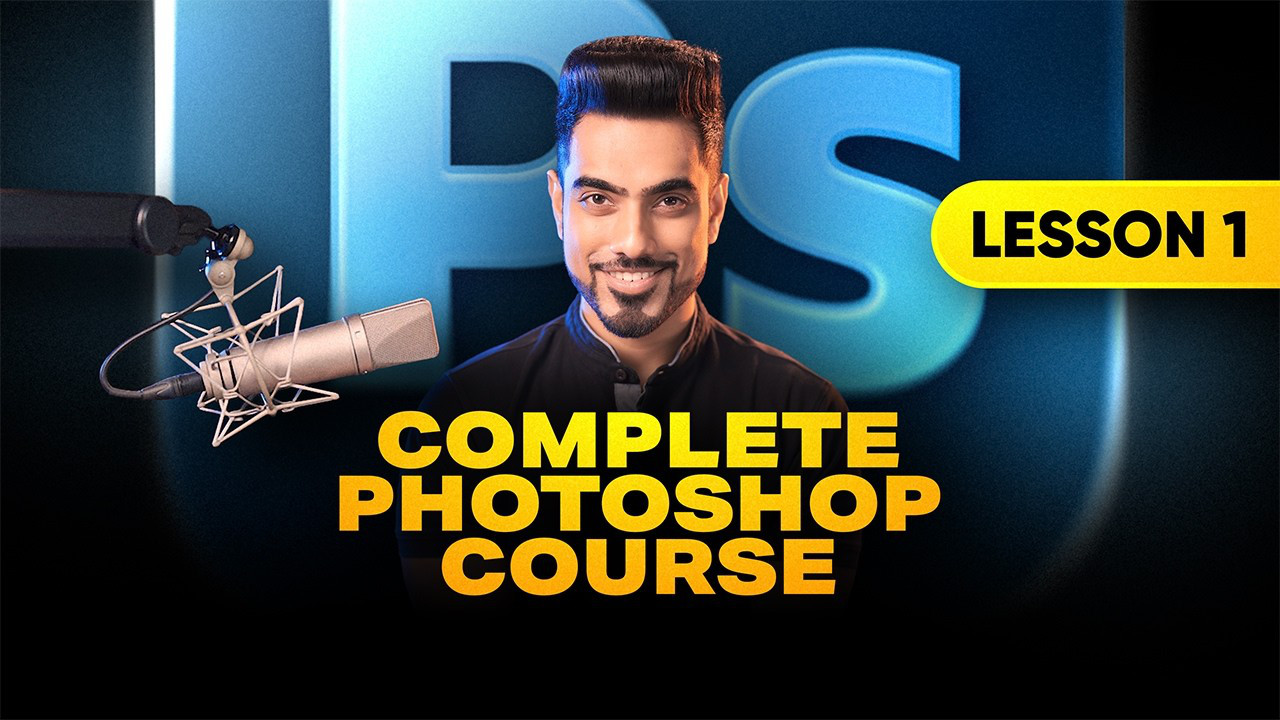
If you're learning photo editing in Adobe Photoshop, there's almost no better guide on YouTube than Unmesh Dinda, the host of venerable YouTube channel PiXimperfect. And if you're an absolute beginner – like, if this is your first time opening the software – he just started a new series just for you.
"If you're opening Photoshop for the first time and everything feels overwhelming, this is exactly where you need to start," he says. "In this lesson, you and I will walk through Photoshop together, step by step, from the very basics of what Photoshop even is, all the way to creating your first projects, saving your work, and confidently navigating the workspace."
Photoshop for Complete Beginners, Lesson 1: The absolute basics
This tutorial goes over everything you need to know, from the most basic questions, like "What is Photoshop?" and "What is a pixel?" to how to utilize Workspaces, how to open, create, and save files, the options, status, and menu bars, and how to undo, redo, zoom, and pan.
Unmesh has also provided a host of resources to help you follow along – download a detailed notes document and some project files by clicking here!
How to learn photo editing
There will be a bunch more lessons in the PiXimperfect absolute beginners' series, but if you're looking for more tips, tricks, and tutorials, check out our Learn Photo Editing page! We have tutorials from Unmesh, Colin Smith of PhotoshopCafé, and more!