

Caleb Kerr is a product and action photographer based in the Pacific Northwest, USA, "dedicated to elevating the hard work of craftsmen, athletes, and brands through thoughtful and creative approaches."
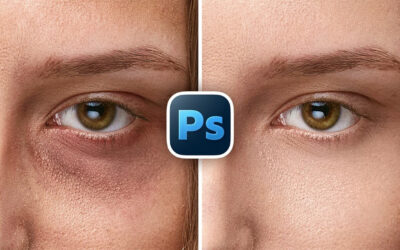
The latest Wacom Intuos Pro is a favorite among photographers because of its innovative redesign, with built-in, tactile ExpressKeys and dials – and the best-in-class precision and flow of the Wacom Pro Pen 3 and the updated IC chip on the Intuos Pro tablet itself. It's perfect for intricate masking, dodging, burning, compositing, and other professional-level photo retouching tasks.
We had an interesting idea: what if a high-end, professional photographer did a product shoot for the Wacom Intuos Pro – and then edited that same photo with that same Wacom Intuos Pro? The video below shows exactly what happened.
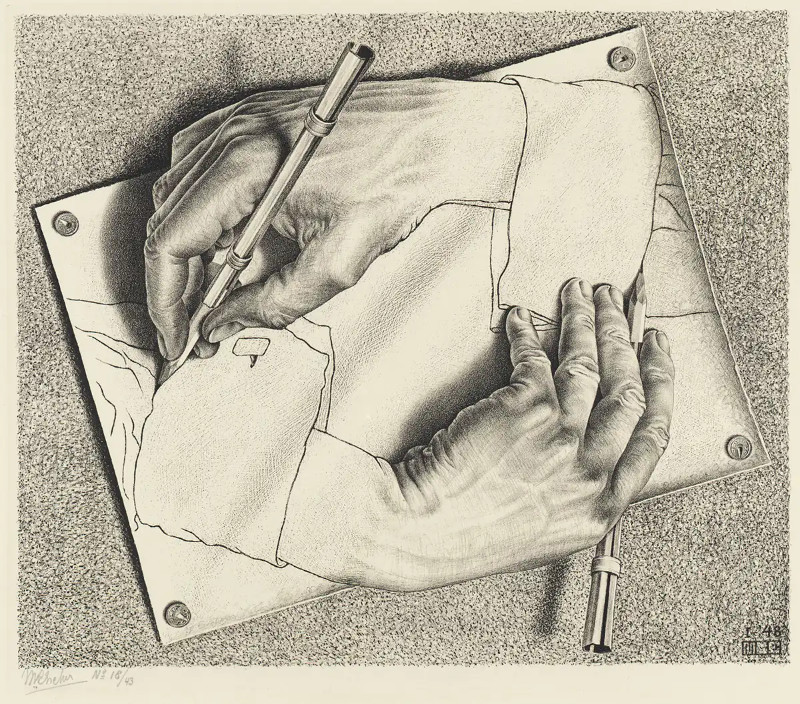
"Today I'm paying homage to a famous piece of artwork," Caleb says – the famous M.C. Escher illustration, Drawing Hands. "The meta nature of photographing a pen tablet, then using the same tablet to composite and retouch the image, is a fitting match for the meta nature of the reference artwork," he explains.
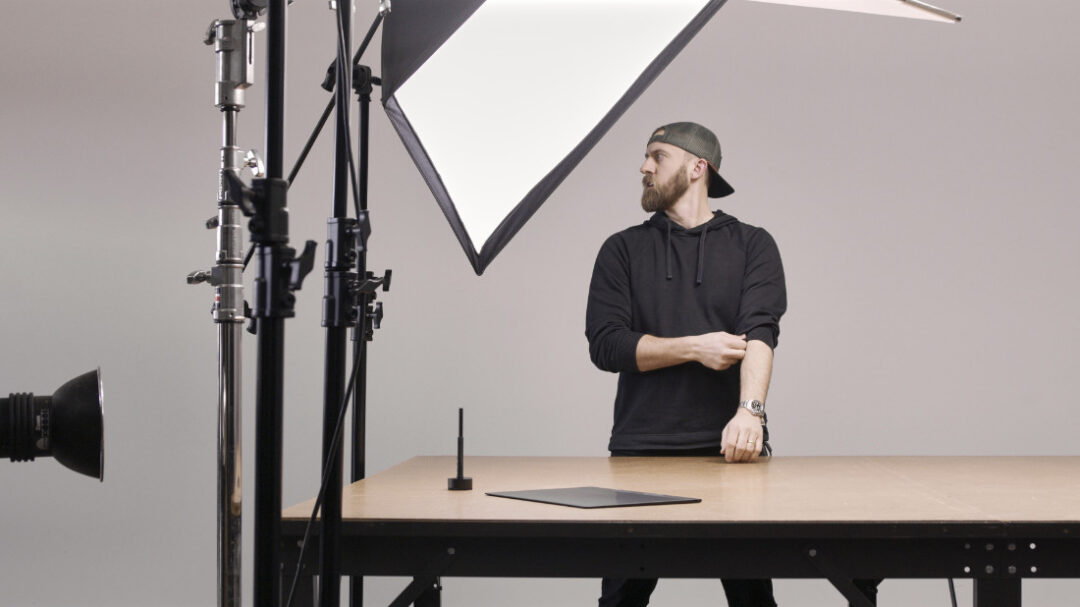
Caleb sets up his lights and camera and, using the overlay feature in Photoshop to perfectly lay out the image, getting the photo of one hand to perfectly line up with the other in the frame, and he also captures a blank background plate with no hands "to give a clean backdrop to composite over."
After taking the photo, he moves on to compositing and retouching using the Intuos Pro. "When manually masking, the pressure-sensitive and tactile feedback of the pen on the surface texture of the tablet makes it feel like I'm interacting directly with the image, which feels natural," he says. "I can draw with finesse and experience virtually no lag between what my hand is doing and what is happening on screen, keeping attention on the creative and not on the hardware."
Because the Wacom Intuos Pro makes it so simple and seamless, Caleb also decided to add some illustrated elements to the final photo, even though that's not his typical workflow. "I'll be the first to say that I'm not trained in fine art or illustration, but the tablet lets me play in that arena and express my ideas easily, while being a great photo retouching tool. Using a pen tablet for this project is a no-brainer."
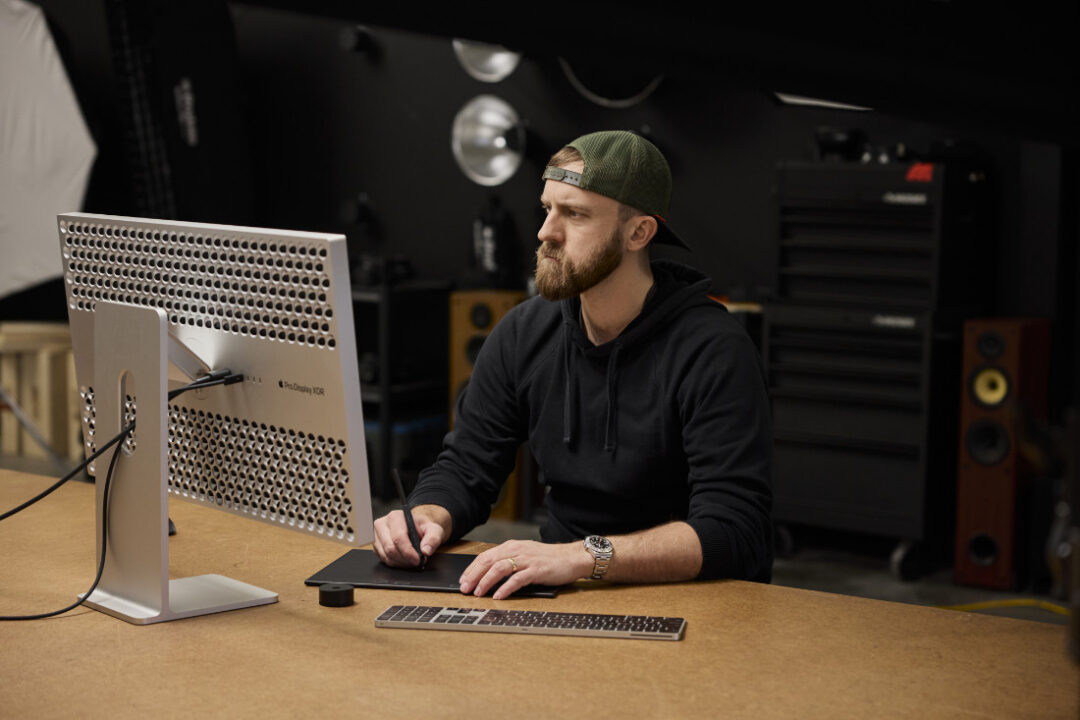
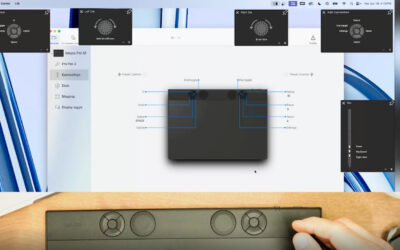
What does he think of the Wacom Intuos Pro and Wacom Pro Pen 3 for photo retouching overall? "The sketching, smudging, and blending is where the fully customizable dials and express keys come in handy. I primarily use them for zoom, rotate, and brush size, but there are limitless ways to configure this," he says. He liked how thin the device is and that Bluetooth means it can be used without any cords cluttering his desktop.
He also appreciates the customizability of Pro Pen 3: "The pen itself has three programmable buttons, which is great for often used tools. Here I'm using it for pan, undo, and erase."
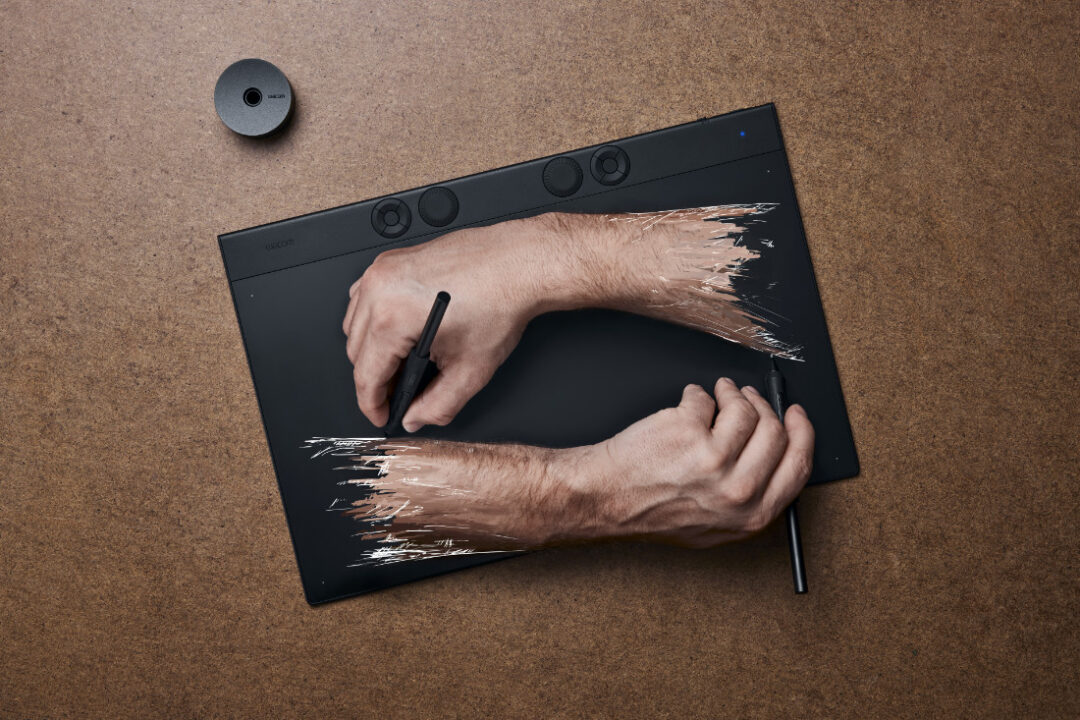
His final verdict? "I believe that tools should be expansive to our creative abilities. The final image represents a concept for me that was best achieved with this tool. I like it!"

About the photographer
Caleb Kerr is a product + action photographer dedicated to elevating the hard work of craftsmen, athletes, and brands through thoughtful and creative approaches. He is based in the Pacific Northwest, USA, but works globally.
Follow his work on his website or Instagram.