

If you're learning photo editing in Adobe Photoshop, there's almost no better guide on YouTube than Unmesh Dinda, the host of venerable YouTube channel PiXimperfect. And if you're an absolute beginner – like, if this is your first time opening the software – he just started a new series just for you.
We started the series with Lesson 1: The Absolute Basics. If you haven't seen that video yet, start there!
"If Photoshop's toolbar has ever felt like a wall of mysterious icons you don't know how to use, this is exactly the lesson that will make it all click. In this video, you and I will explore tools and the toolbar the way they were meant to be understood, starting with a fun project with the Brush Tool, and then diving into the Crop and Move tools, two of the most foundational tools you'll come back to every single day in Photoshop. Along the way, I'll share little hidden tricks and settings that make a real difference, even for those who've been using Photoshop for a while. By the end, the toolbar will stop feeling intimidating and start feeling like home."
Photoshop for Complete Beginners, Lesson 2: Tools and the toolbar
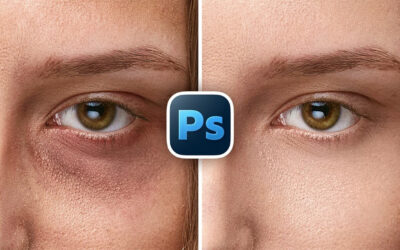
This tutorial introduces you to all of the basic tools in the Photoshop toolbar that you'll be using within the software. To start though, Unmesh walks you through a quick project that shows how to use a few of the tools, like the brush tool: lightening a model's eyes. He then goes over the basics of the toolbar – how to customize and manipulate it – and then goes over some of the major tools, like the Crop Tool and the Move Tool.
Unmesh has also provided a host of resources to help you follow along – download a detailed notes document and some project files by clicking here!
How to learn photo editing
There will be a bunch more lessons in the PiXimperfect absolute beginners' series, but if you're looking for more tips, tricks, and tutorials, check out our Learn Photo Editing page! We have tutorials from Unmesh, Colin Smith of PhotoshopCafé, and more!