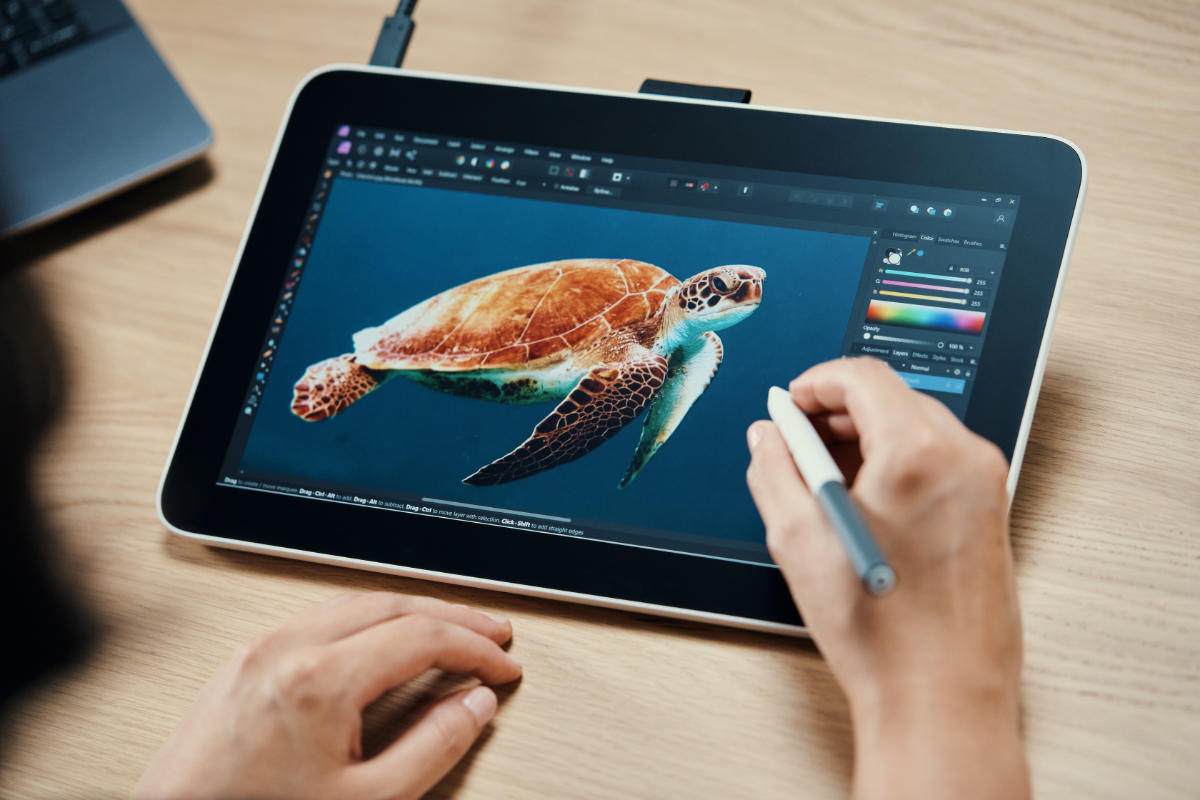
A world of creativity awaits
Here on the Wacom blog, we celebrate creativity in all its forms. No matter what your creative interest is, we believe that everyone has the potential to express themselves through art, design, writing, music, and more.
Click below or scroll down to explore all of the content on the Wacom blog. Want to learn more about Michelle Mee Nutter, who created this featured art? Click here.

Art by Michelle Mee Nutter | @buttersketch
Use the menu below to filter by interest
Whether you’re a seasoned pro or just starting out, our goal is to provide you with the tools, resources, and inspiration you need to unleash your creative potential and bring your unique vision to life. From tips and tutorials to interviews with industry experts, we’re here to support you on your creative journey. So, come along with us and let’s explore the limitless possibilities of creativity together.

Announcing the Wacom Teacher Ambassador Program

Joy is an act of rebellion: Wacom celebrates Pride 2026!
HAL College of Technology & Design: A Case Study
How Wacom Cintiq Pro 27 fuels passion and innovation at Kawasaki Motors Ltd.
The Business Impact of Color Accuracy for VFX Studio Owners: A Case Study
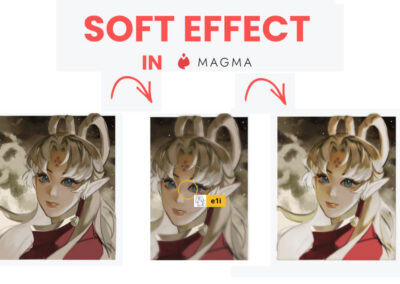
How to create a “soft effect” for your illustrations in Magma

The ultimate beginner’s guide to photo editing in Adobe Photoshop: Lesson 3

Portfolio tips from Ellen Su, former head of recruiting at Titmouse

Is ibisPaint is the best digital art software for Chromebook users?

The ultimate beginner’s guide to photo editing in Adobe Photoshop: Lesson 2
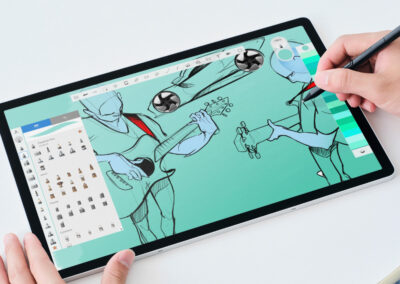
Sketchbook Premium + Wacom MovinkPad Pro 14 Free Trial

How to easily create simple base colors in Magma

The ultimate beginner’s guide to photo editing in Adobe Photoshop: Lesson 1

Inside the creative mind of illustrator and concept artist Zeen Chen
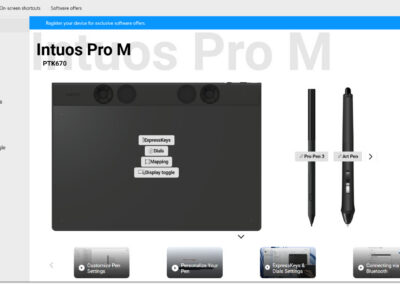
Wacom updates tablet drivers with new features and improved performance

Students from Sisler CREATE are raising awareness of mental health issues with these seven powerful illustrations

The best free pose reference resources for artists in 2026

Learn how to draw with this practical guide for beginners and improving artists

Magma x Wacom: Lunar Reunions Competition Results

Key takeaways from the Animators Round Table at the 2026 BRIC Summit
Where your creative dreams come true.
Start your digital adventure with the all-new Wacom One. Ideal for aspiring artists, hobbyists, and visual thinkers – with the Wacom One pen display you can draw, sketch, edit photos, annotate, or discover your creative passion.
" show_content_button="on" content_button_text="Buy now" content_image_icon_width="60vh" overlay_bg_image="https://community.wacom.com/en-us/wp-content/uploads/sites/40/2025/09/bg_1.jpg" overlay_bg_parallax="on" _builder_version="4.27.4" _module_preset="default" content_title_font_size="35px" background_enable_image="off" custom_content_button="on" content_button_bg_color="#0C71C3" content_button_border_radius="8px" content_button_icon="$||divi||400" content_button_alignment="center" custom_margin="|100px||100px|false|true" hover_enabled="0" global_colors_info="{}" sticky_enabled="0" content_button_link="https://estore.wacom.com/en-us/wacom-one-14-dtc141w0.html" content_button_link_target="on" content_desc_font_size="17px" content_desc_text_align="center"][/dipi_expanding_cta]
Draw BEYOND.
Introducing the all new Wacom MovinkPad Pro 14
A new all-in-one experience for creative professionals who demand more from their tools, Wacom MovinkPad Pro 14 brings the natural feel of pen-on-paper into a high-end digital art station on the go. It's an immersive creative experience that goes beyond expectations.
With its beautiful 14” OLED display, Wacom Pro Pen 3, and Android 15 OS, it’s a truly portable professional solution, and next-gen beta features like Instant Pen Display Mode means it'll keep innovating alongside you.
Draw BEYOND.
Introducing the all new Wacom MovinkPad Pro 14
A new all-in-one experience for creative professionals who demand more from their tools, Wacom MovinkPad Pro 14 brings the natural feel of pen-on-paper into a high-end digital art station on the go. It's an immersive creative experience that goes beyond expectations.
With its beautiful 14” OLED display, Wacom Pro Pen 3, and Android 15 OS, it’s a truly portable professional solution, and next-gen beta features like Instant Pen Display Mode means it'll keep innovating alongside you.
The power of digital ink
Humans have been using ink for thousands of years to express ourselves and preserve knowledge – from plant-based paintings on cave walls to writing and illustrating foundational cultural manuscripts. In the 20th and 21st centuries, digital ink has taken this uniquely human impulse to the next level, with Wacom at the forefront. Wacom created the electro-magnetic resonance (EMR) technology that powers our devices, and we’ve been perfecting it ever since. Today, creatives worldwide use Wacom technology to empower their work through the use of digital ink.
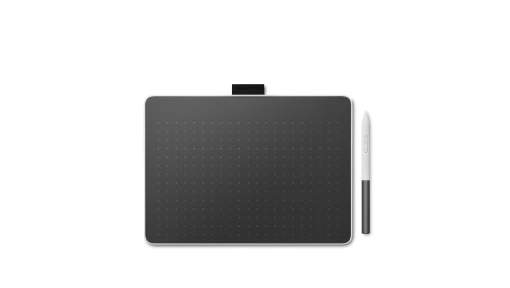
Wacom drawing tablets
Wacom has a pen tablet for nearly every creative pursuit. One by Wacom is perfect for the beginner or student. Wacom Intuos bridges the gap between traditional and digital, empowering digital drawing, painting, and photo editing for creatives of all levels. The new Wacom One pen tablets are convenient and customizable. And Wacom Intuos Pro is trusted by creative professionals who need the ultimate in precision, performance, and productivity.
Wacom drawing displays
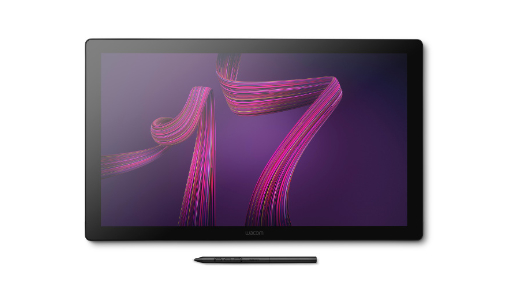
With a Wacom pen display, you use our pressure-sensitive pens directly on the screen for ultimate control and accuracy. Available in a range of display sizes and feature sets – from the 13” display of Wacom One, portable and perfect for beginners, to the Wacom Cintiq Pro in sizes from 16” to 27”, with best-in-class color, gesture controls, and ExpressKeys for customization – there's a Wacom pen display to empower every creator’s wildest dreams.
Exclusive offer: Wacom Newsletter
Subscribe today and get 5% off displays or 10% off tablets.